Use the シミュレータAgent interface
You can use the シミュレータAgent interface in standalone mode to modify or run simulations when the シミュレータAgent isn't connected to Tosca Cloud.It provides a technical preview of upcoming features for APIシミュレーション.
この機能はまだ開発段階にあるため、現時点では完全な機能性やユーザビリティを保証することはできません。
Open the シミュレータAgent user interface
To open the シミュレータAgent interface, download and start the シミュレータAgent.
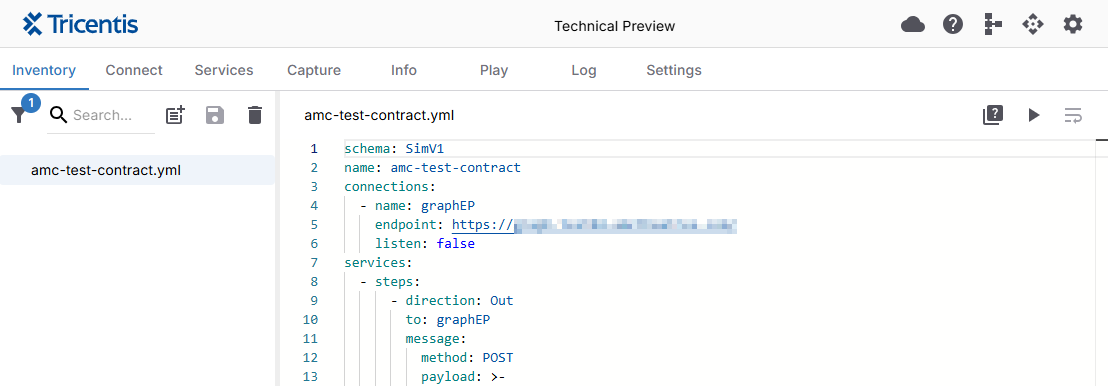
The シミュレータAgent user interface.
シミュレーションを修正する
シミュレーションファイルを修正するには、以下の手順に従ってください。
-
修正するシミュレーションファイルを「インベントリ」タブから選択します。
-
シミュレーションの修正に使用できる要素について調べます。
-
Make your changes and click
 Save.
Save.
ログを確認する
Select the Log tab in the top menu to view all the processes that the シミュレータAgent has performed.以下のログの詳細が一覧表示されます。
-
Any message sent or received by the シミュレータAgent.
-
どの接続が開かれ、または閉じられたのか。
-
追加または修正されたシミュレーション。
-
発生したエラー。