Submitting Defect
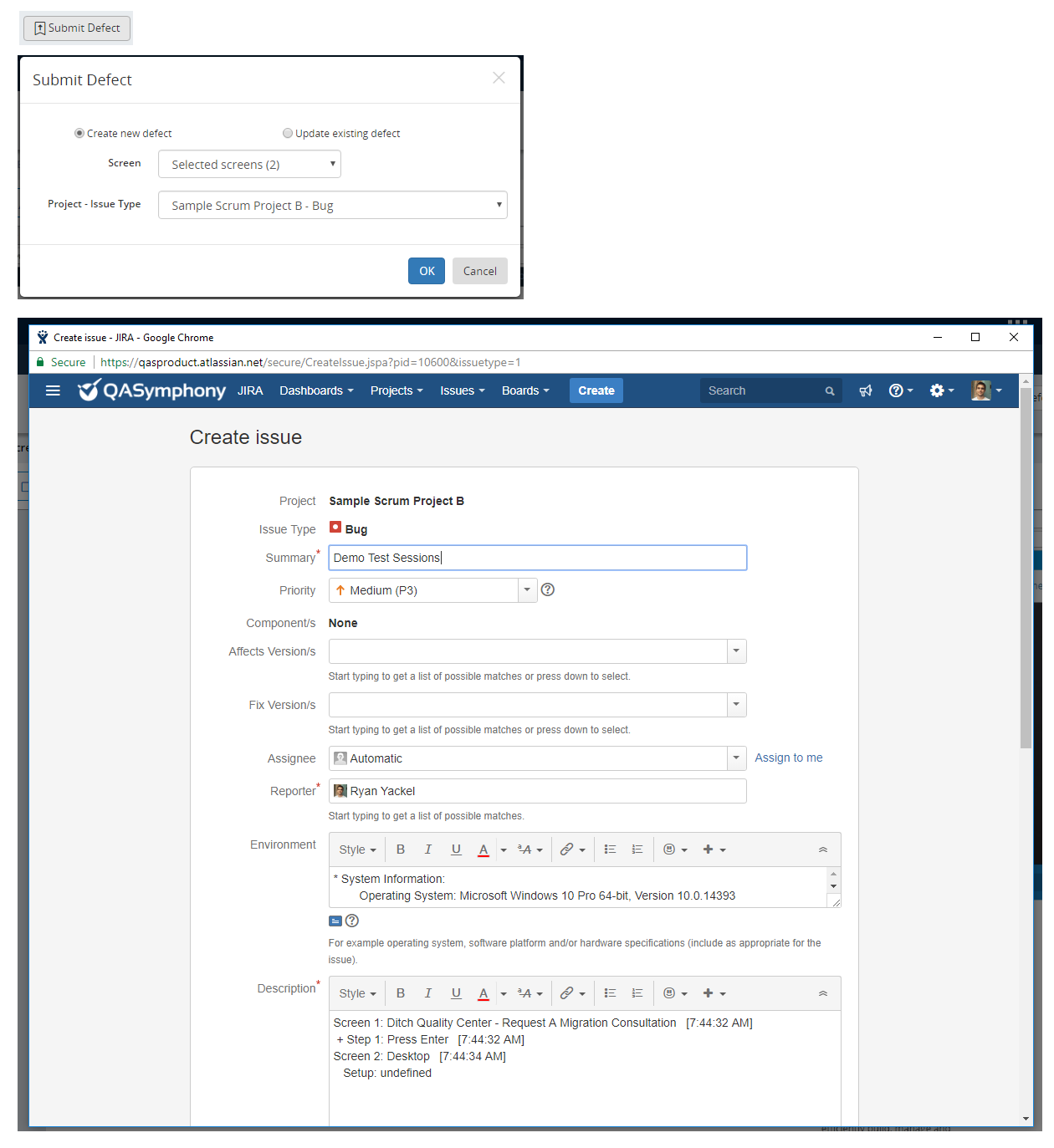
In Session Editor, to submit defect to, or update an existing defect from, your configured defect tracker, click the Submit Defect button.
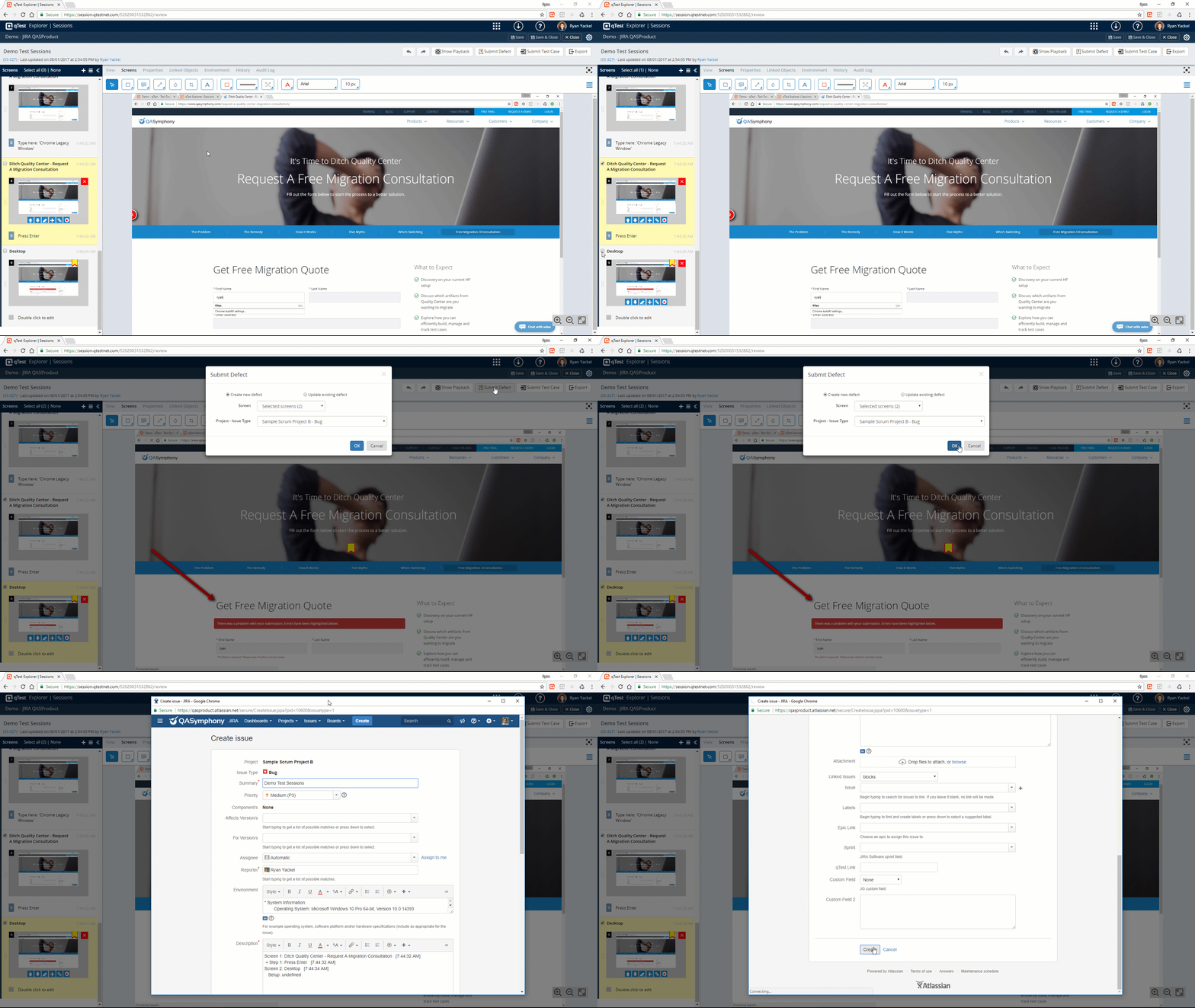
You will be presented with Submit defect dialog. Depending on your configured defect tracker, your Submit defect dialog might be different from the below screenshot which creates a new defect to Jira defect tracker.
To submit a new defect, enter the required information on Submit defect dialog and click the OK button to start submitting defect to your configured defect tracker.