Test ServiceNows
A ServiceNow in the Administration hierarchy may be tested to determine whether it will work as expected when used in LiveCompare workflows. The tests check whether:
-
A connection can be created to the specified ServiceNow.
-
The specified ServiceNow can be accessed using the supplied username and password.
To test a ServiceNow, select it in the Administration/ServiceNow folder and click ‘Test Connection’ in the Details pane. Alternatively, choose ‘Test Connection’ from the ServiceNow’s hierarchy context menu. The Test Connection screen is displayed.
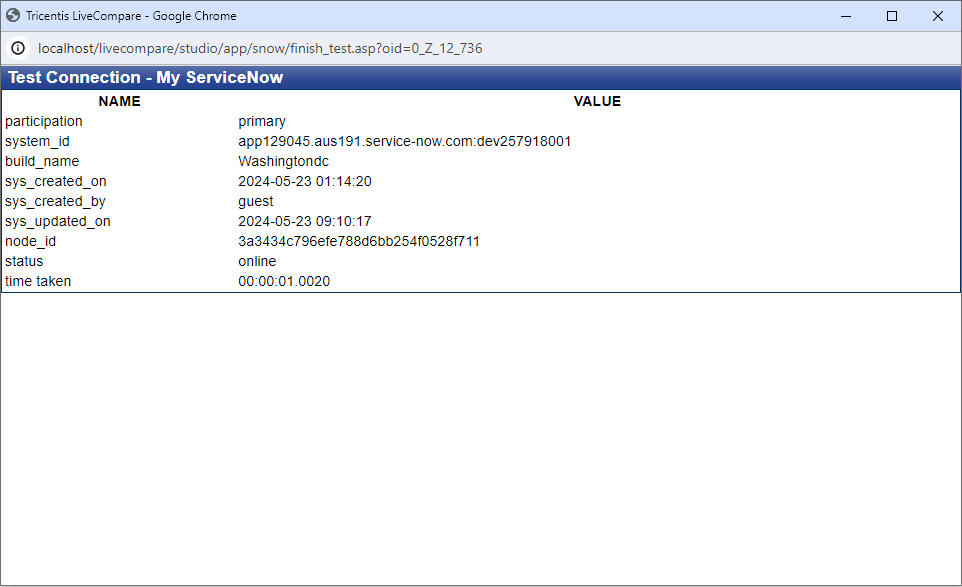
If you receive an error when testing a ServiceNow connection, your developer instance may be hibernating. Log in to ServiceNow to wake it up.