Save SAP Solution Manager Test Scripts
After you have modified the Test Scripts, you have to save them. To do so, follow the steps below:
-
In the context menu of the TestCase or TestCase folder, navigate to SAP Solution Manager and select Synchronize Test Script or Synchronize Test Scripts in Folder.
-
In the subsequent dialog, enter the name of the Test Script. Changing the name is not required. To confirm your entry, click OK.
-
Enter the version of the Test Script into the subsequent dialog if necessary. Changing the version number is not required. To confirm your entry, click OK.
-
Tricentis Tosca confirms that the Test Script has been successfully saved in SAP Solution Manager.
To confirm the notification window, click OK.
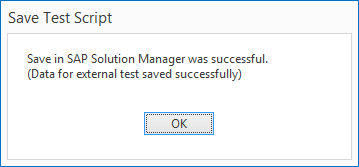
Test Script saved