Link Directly to a Shared Step
This is a Testim Labs feature If you have joined Testim Labs, make sure this feature has been enabled in Settings > Labs. To learn more about Testim Labs and how to join, see here
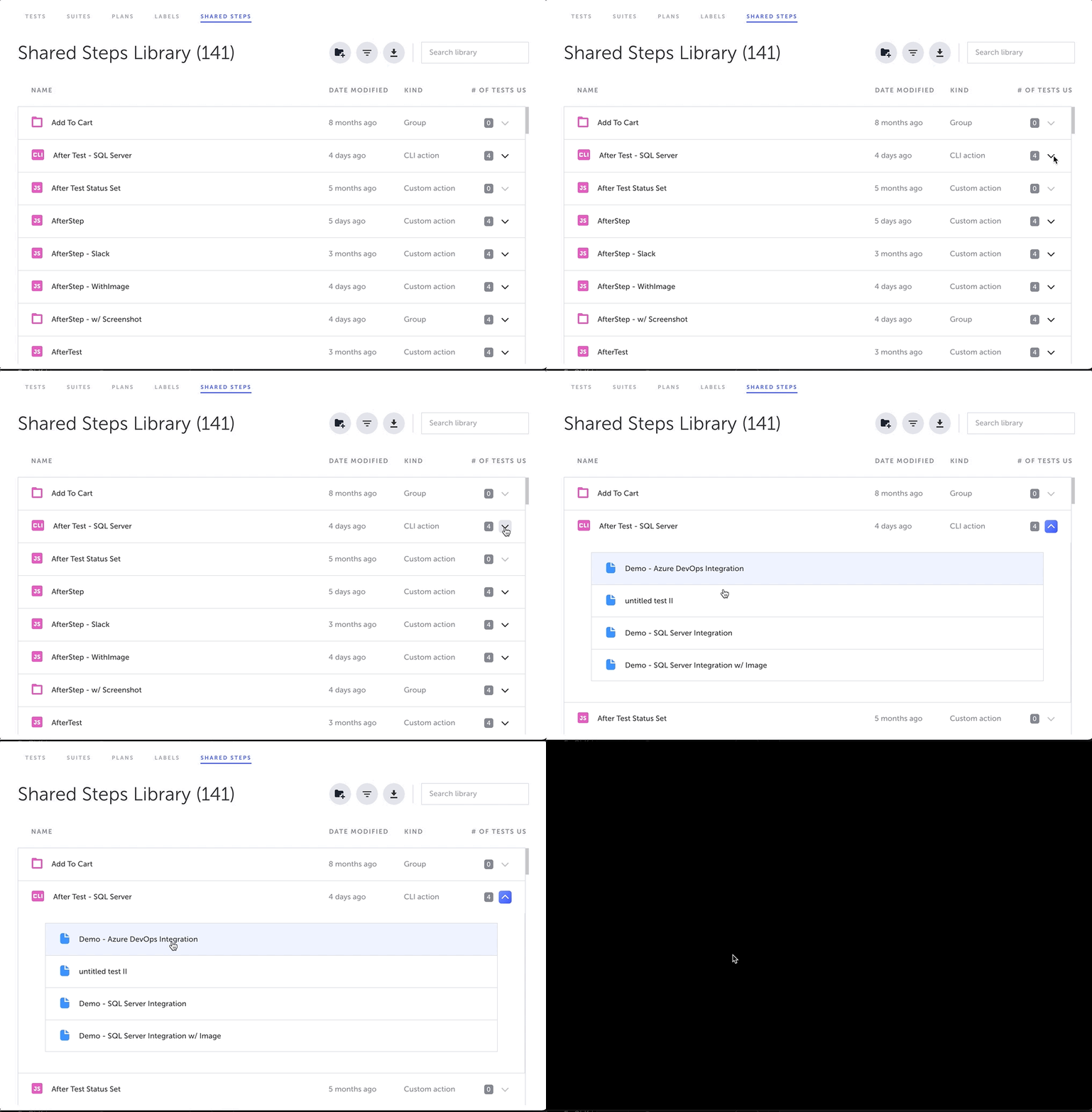
The Link Directly to a Shared Step feature provides access to a shared step/group directly from the Shared Steps Library. By accessing a test in the Shared Steps Library, the requested test is shown with the shared step/group selected.
Directly Accessing Shared Steps/Groups
→ To access a shared step/group:
-
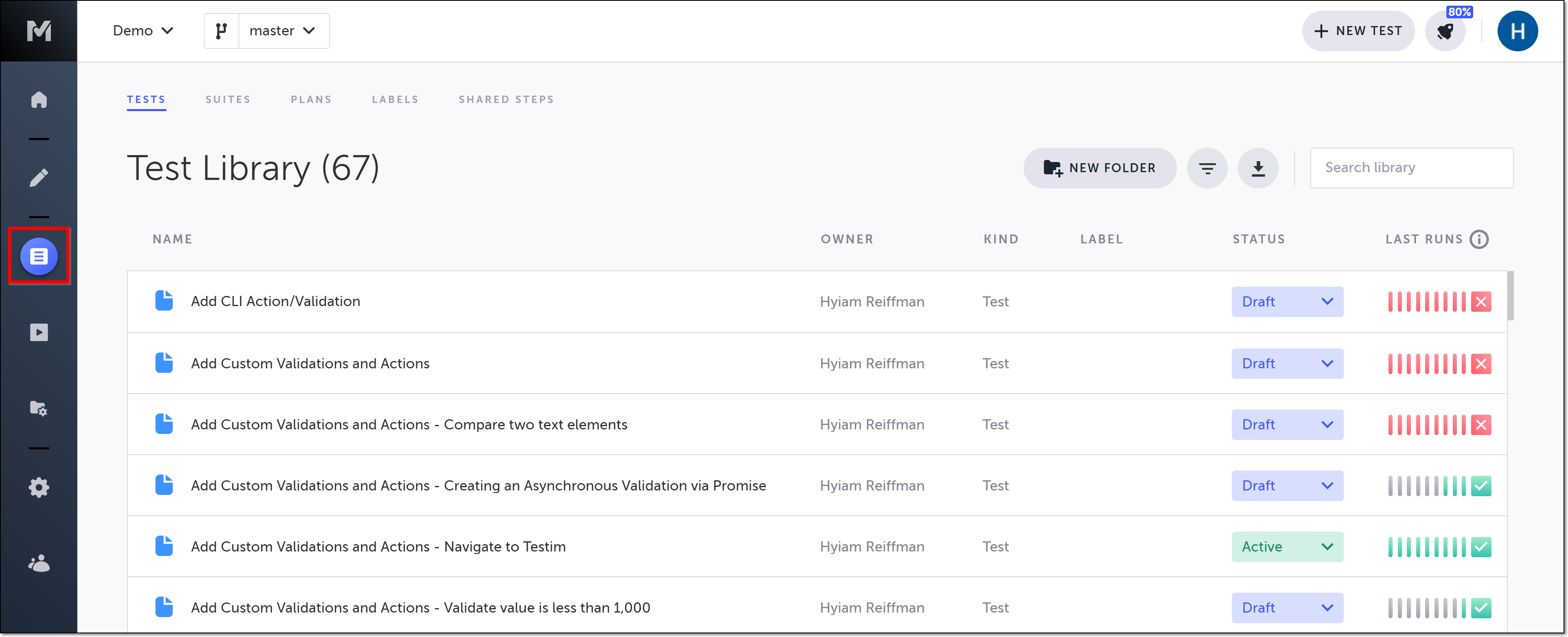
In the main navigation, click the Test List icon.
-
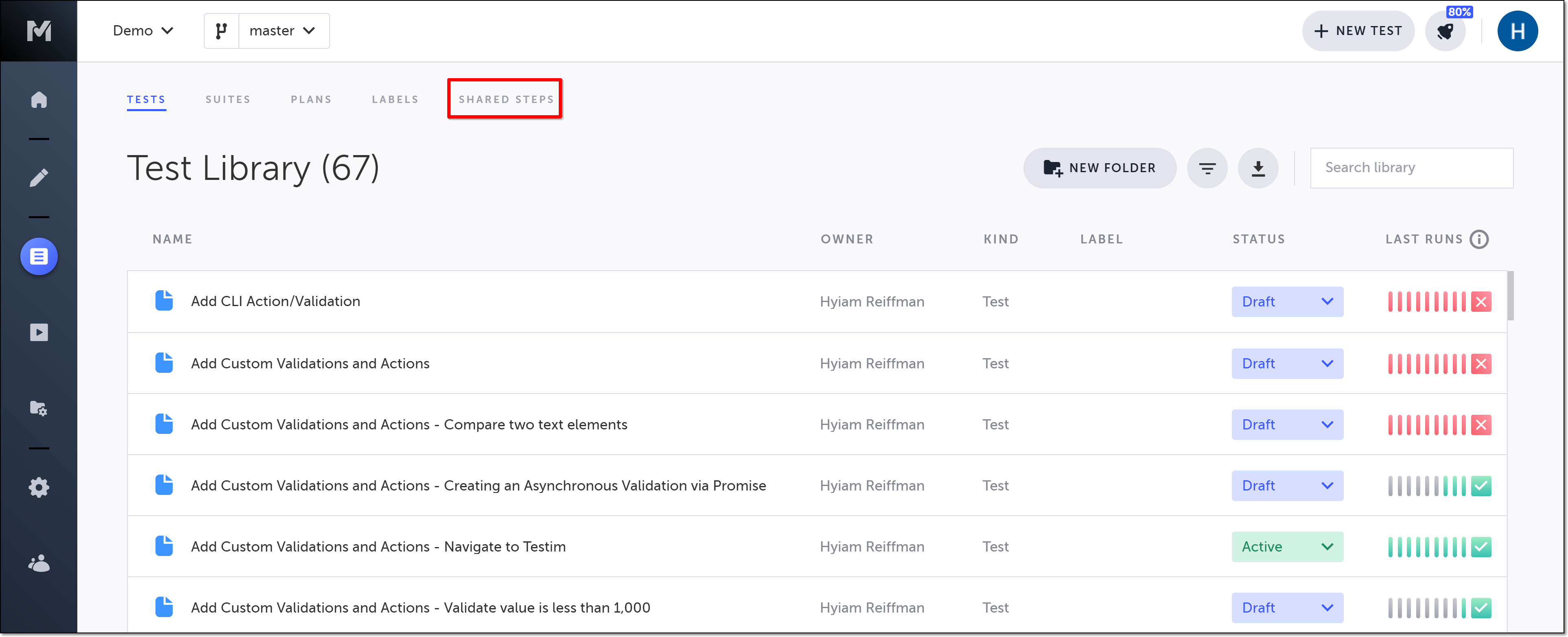
Click Shared Steps to open the Shared Steps tab.
-
Click the down arrow to the right of the shared step/group that you would like to view.
-
Double-click the test for which you want to view the shared step/group.
The “used by” icon must contain a number larger than zero. If the shared step/group has zero tests using it, you will first need to add it to a test before being able to view/edit it.
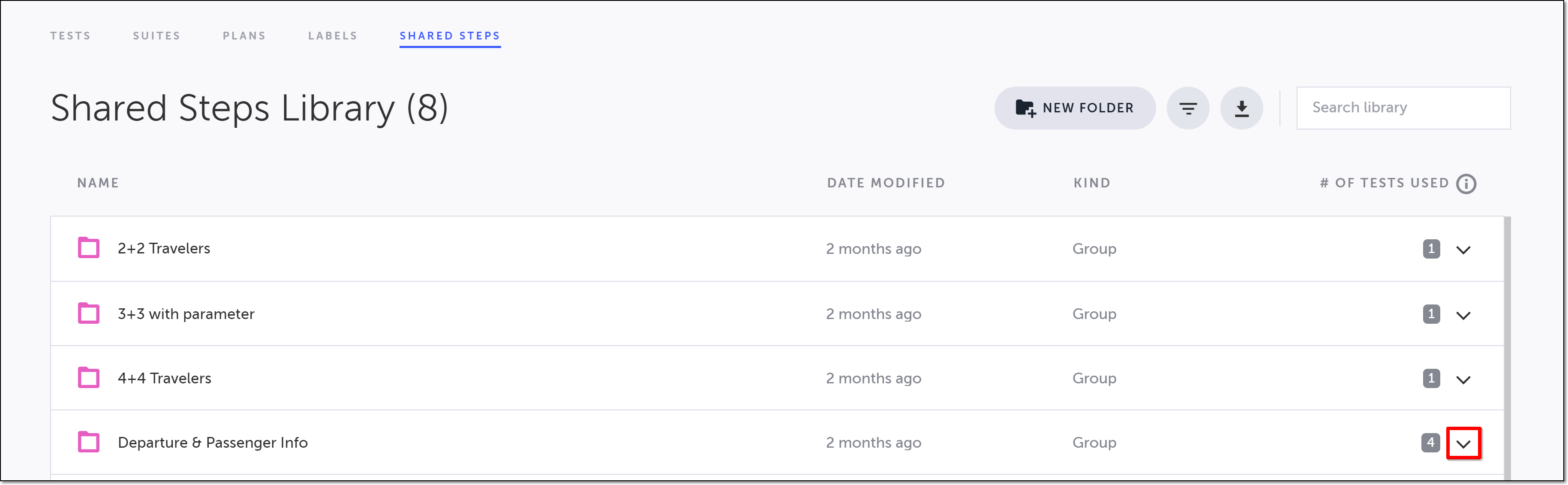
The item expands, showing the list of all of the tests which contain the shared step/group.
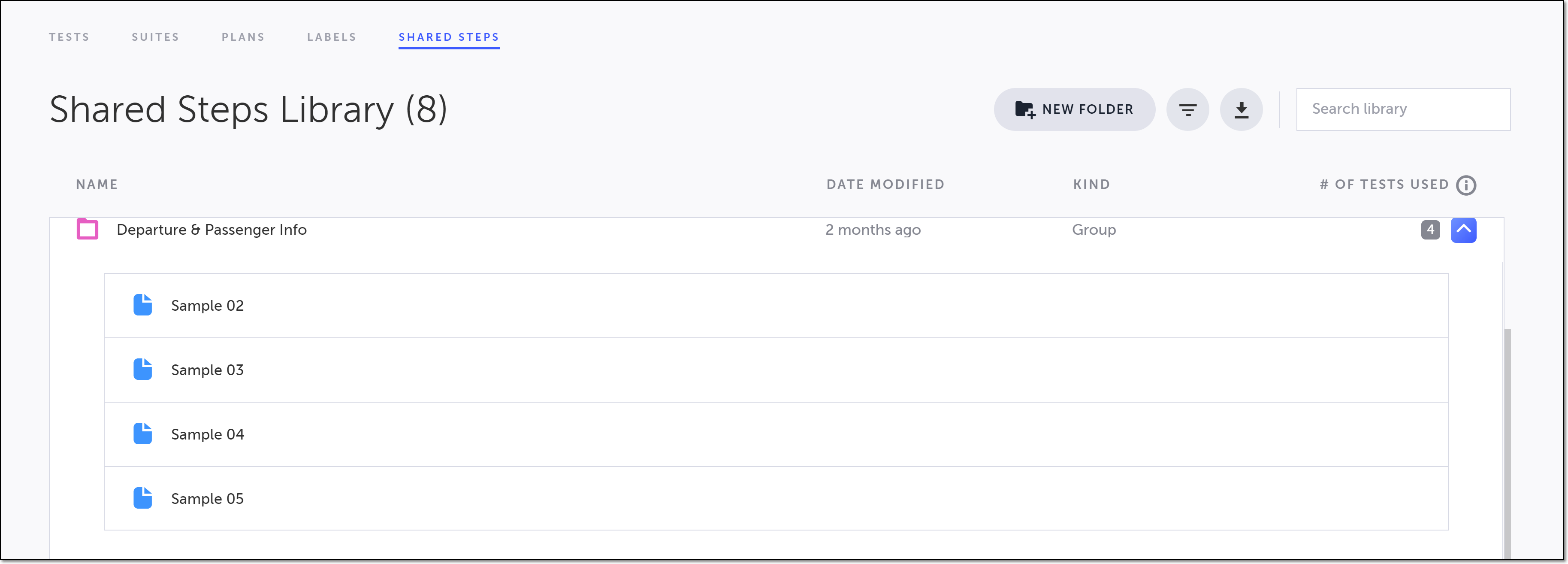
Alternatively, you can right-click the test, and select Open in new tab.
The test opens with the shared step/group selected.
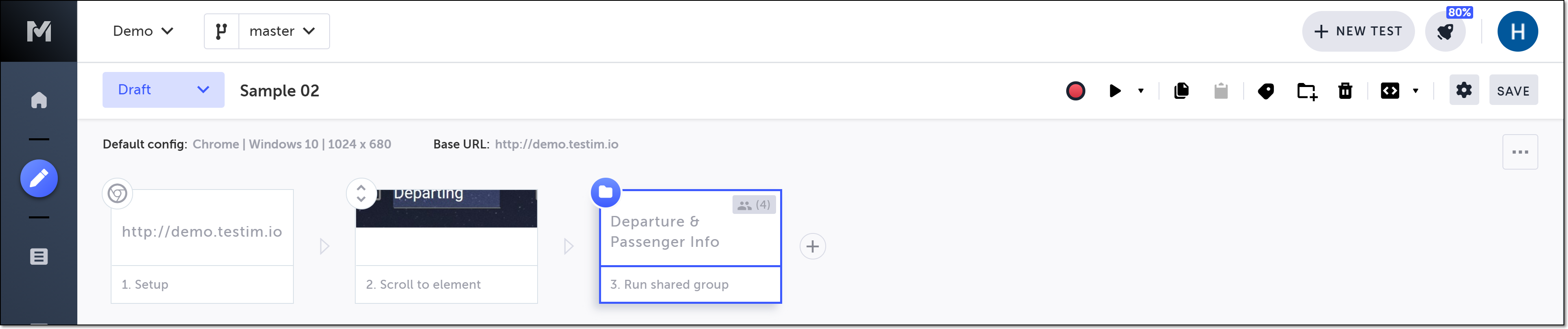
If the opened test contains multiple appearances of the shared step/group, only the first appearance will be selected.