Launch App
Salesforce Step This is a Salesforce step.
The Launch App step opens the selected Salesforce app. → To add a Launch App step:
-
In the editor, add a step by clicking the + button.
-
Under the Salesforce steps tab, click Common operations and select Launch app step.
-
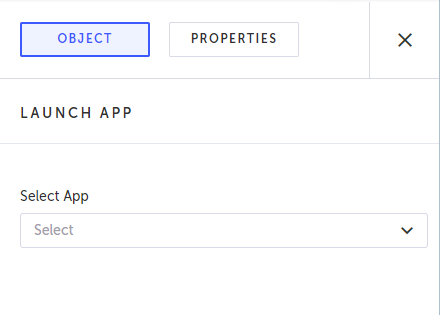
Under Select app, select the desired Salesforce app from the drop-down menu.
-
When finished, click Save.
The Launch app step is added and the following Object properties is displayed.