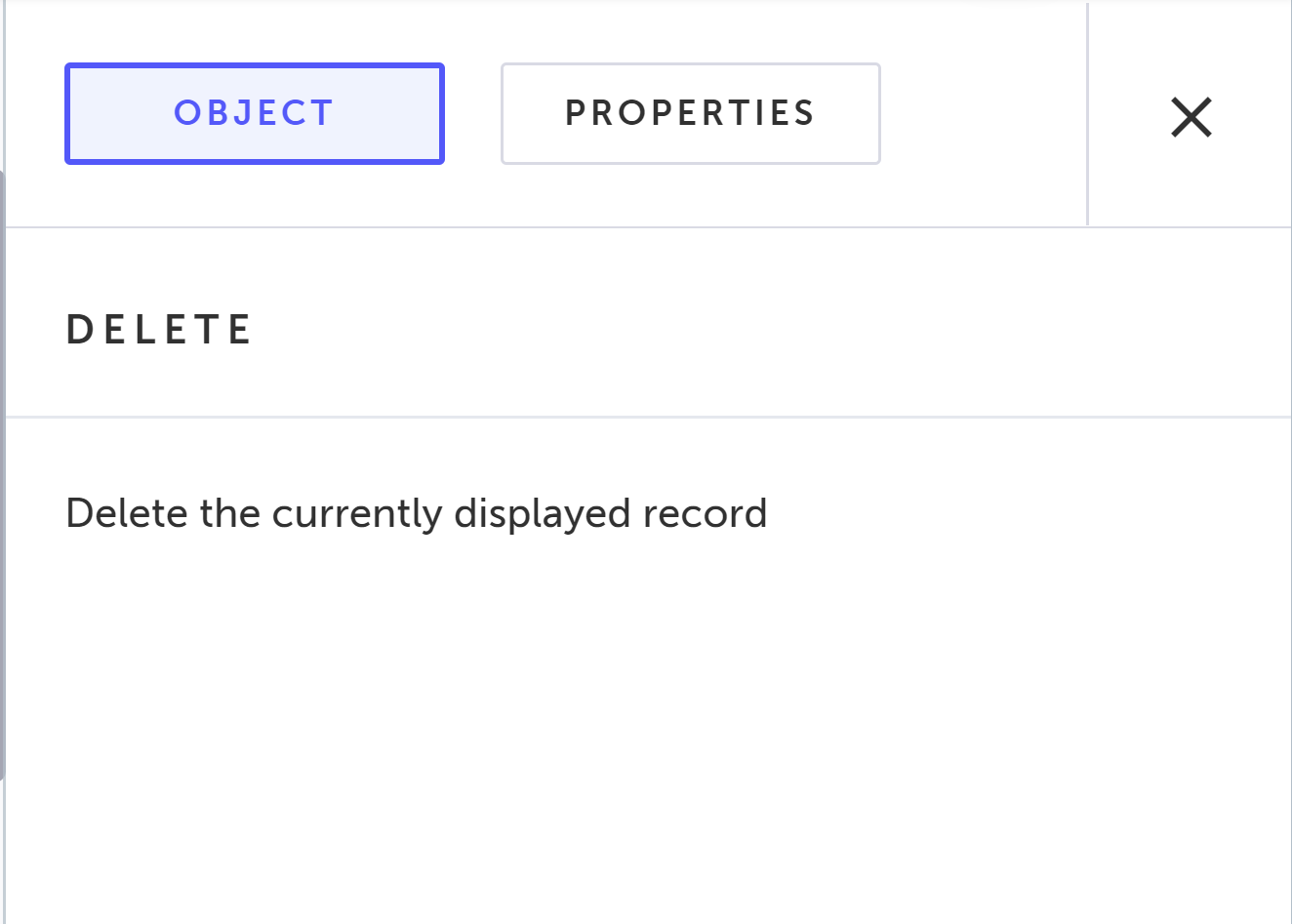
Delete
Salesforce Step This is a Salesforce step.
The delete step deletes the Salesforce record.
Record display requirement The step itself does not navigate to the record, so you will need the system to navigate to the specific record during the execution of a test, so that the designated step will be performed when the record is displayed on Salesforce. To learn more, see Find and display a specific Salesforce record during test execution.
Creating a Delete step
→To create a Delete step:
-
In your test, add a step before the Delete step that will navigate to the desired record. To learn more, see Find and display a specific Salesforce record during test execution.
-
Add a step by clicking the + button.
-
Under the Salesforce steps tab, click Record Operations and select the Delete step.
-
When finished, click Save.
The Delete step is added and the following Object properties is displayed.