Result labels
"Result Labels" allows you to add textual labels to your remote runs.
On the "Suite Runs" and "Test Runs" pages, you can easily filter your runs by choosing a result label.
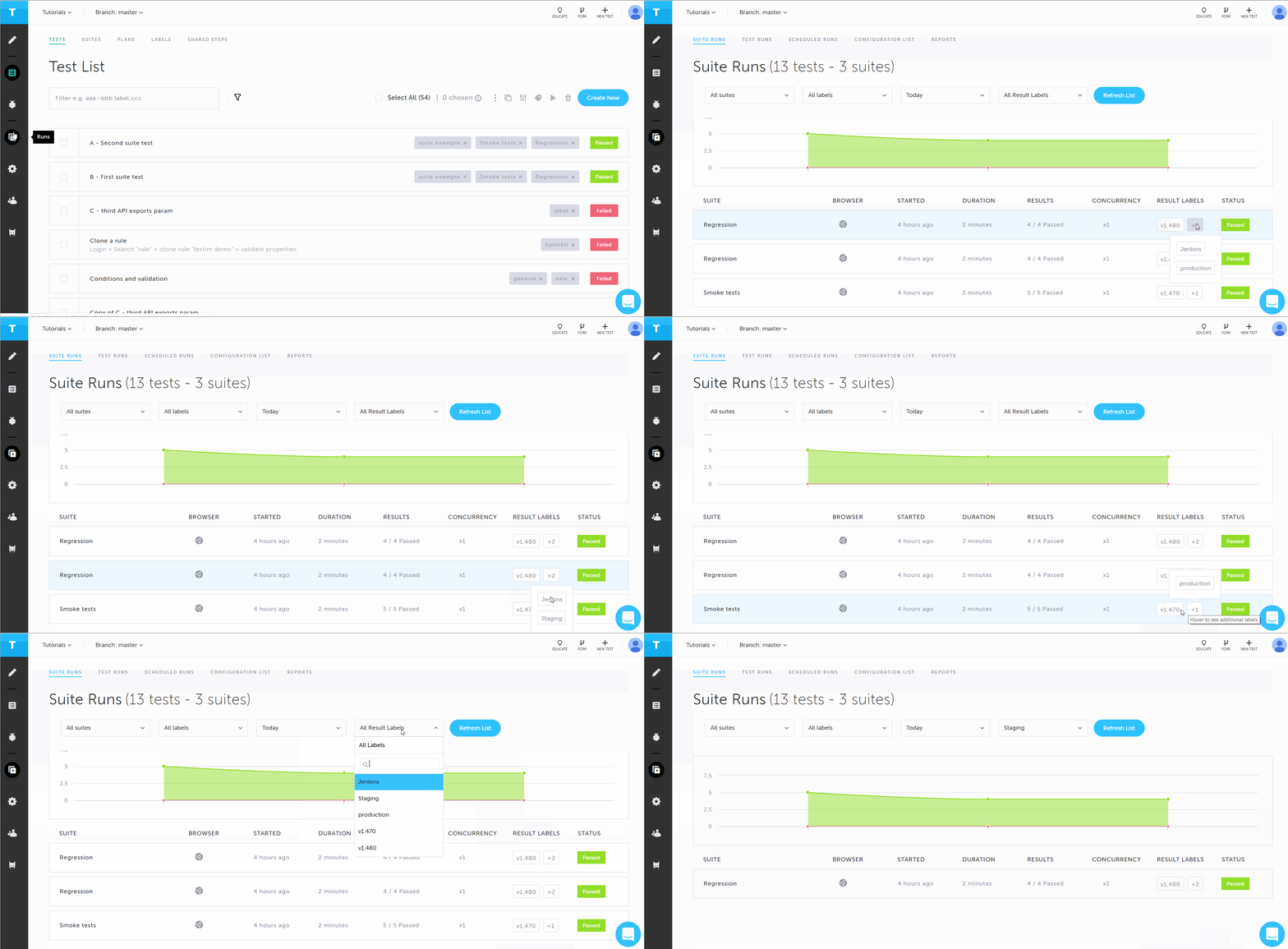
Result labels can be used for a variety of options, such as:
-
Which application environment was tested.
-
Which application version was tested.
-
Which user executed the run.
-
Is it a CI/CD system run.
Some examples: “nightly-scheduler”, “v1.42.34”, “Jenkins”, "Troubleshooting", "Staging".
Adding result labels through the CLI
To add a label to the run, use the following parameter in your CLI:
--result-label "nightly Jenkins run"-
You can add as many result labels to a CLI command as needed. Read more about running CLI in - Command line interface (CLI).
--result-label "nightly Jenkins run" --result-label "v1.42.35"A result label can't exceed 250 characters
Adding result labels through the Scheduler
Scheduled runs are test runs that will run based on a predefined schedule. When creating a scheduler, as part of the Advanced Options you can add result labels. For more information - Scheduler.