VSTS and TFS integration

In order to integrate your tests with VSTS/TFS, first you need to have docker installed on the VSTS/TFS agent.
Now, just follow these steps:
-
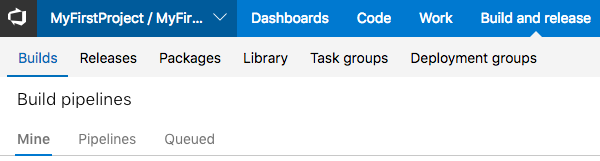
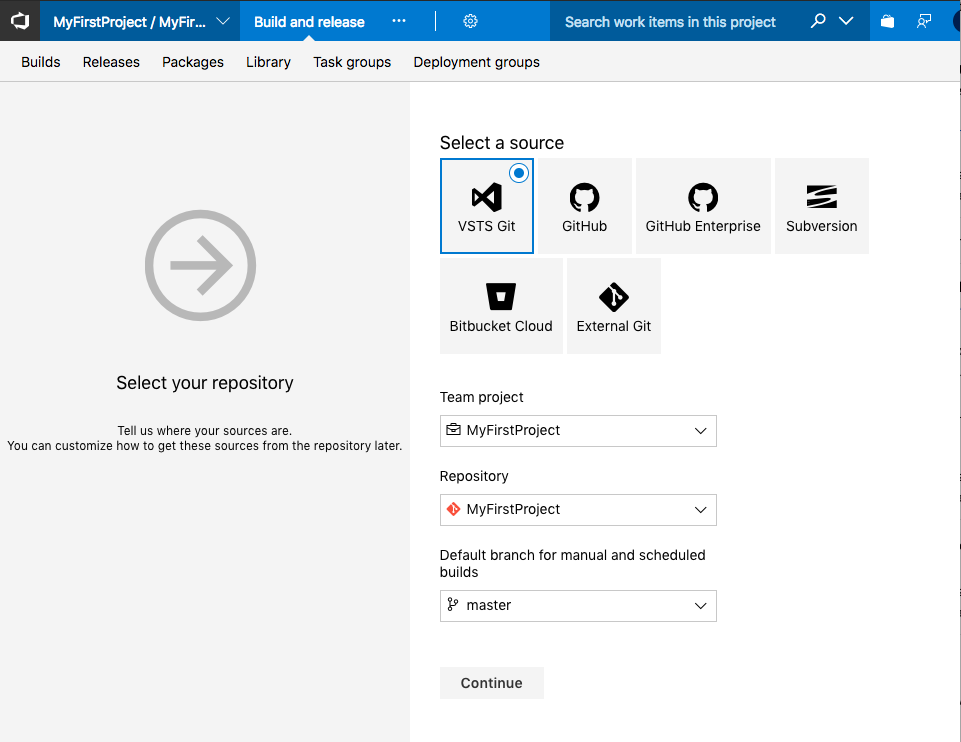
Go to Build page
-
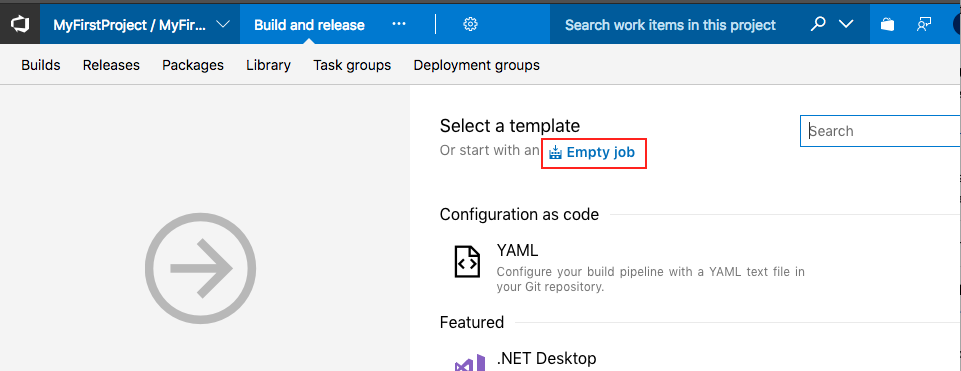
Select empty job
-
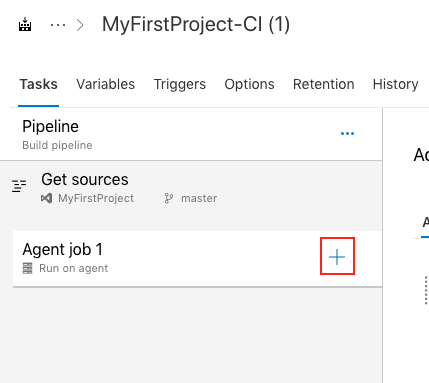
Add task
-
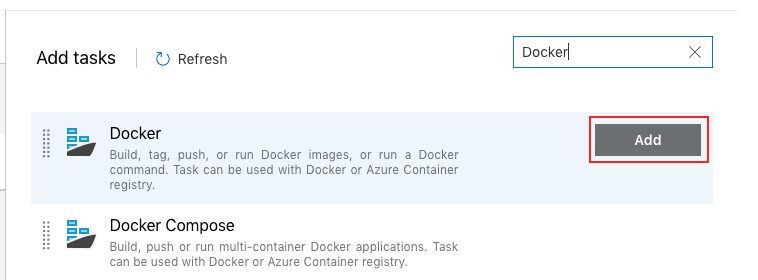
Add Docker task
-
Select Action: Run a Docker command
-
Set the Command with the appropriate parameters, as described in the CLI page. Here is the basic command template.
-
In order for VSTS/TFS to store, analyze and show the results, we generate a standard JUnitXMLReporter XML file.
-
Select Test result format: JUnit
-
Set the Test results files value, according to the "report-file" parameter in section 8 and set the
-
Set the Search folder $(Build.BinariesDirectory)
-
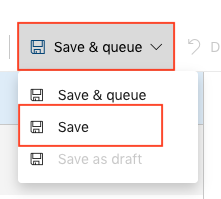
Save the build settings
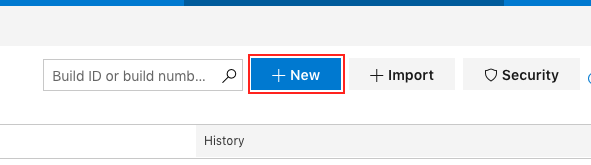
2. Create a new build
3. Select your repository

run --rm -v $(Build.BinariesDirectory):/opt/testim-runner testim/docker-cli --token <TOKEN> --project <PROJECT-ID> --grid <GRID-NAME> --report-file /opt/testim-runner/testim-sanity-$(Build.BuildId)-report.xml
Note: For the grid name, read here how to set up your grid.
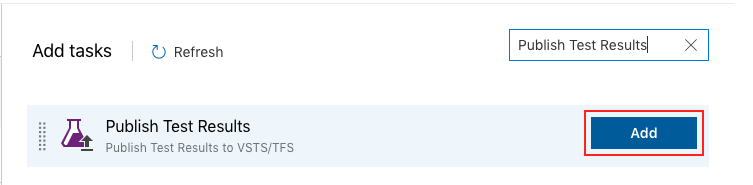
For VSTS/TFS to use the file you need to add a Publish Test Results task