Generate random data with JS
Any step in Testim can be parameterized. This means that a set-text step can not only have a value of the literal (e.g. "[john@yourapp.io]()", "passw0rd!") which was recorded but any JS expression.
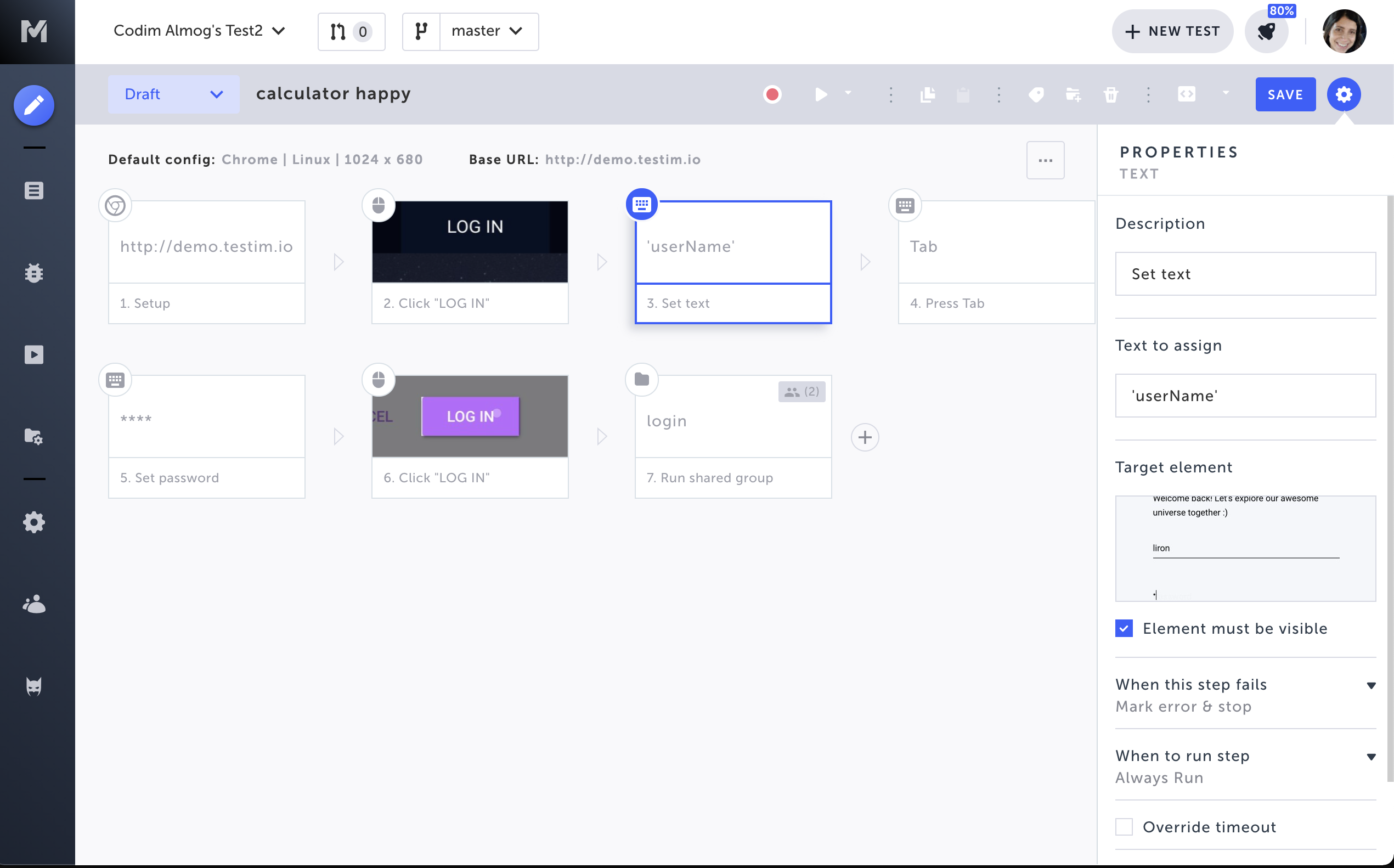
How to assign Random Data to a step?
Just replace the recorded value with JS expressions. Here are few examples:
Random email
Math.round(Math.random()*100000)+"@email.com"Random password
Math.random().toString(36).slice(-8)More random values
Date.now()+5You can also assign variables if you defined them asparameters:
myVar + "sdf"Tip: Consider using variables when you need to use the same random string several times (e.g. validate that the random email is later shown on a different page).Creating variables in a test (e.g. "myVar") is done by:
-
Passing params to a shared step (group/custom-js)
-
Exporting a value from the custom JS step into the containing group, e.g. add exports.myVar = "testim"; to your JS step.This will create the variable named "myVar" in the scope of the parent (containing) group. You can see an example in the export parameters doc (follow this link and search for exports.bestTestingTool = "Testim").