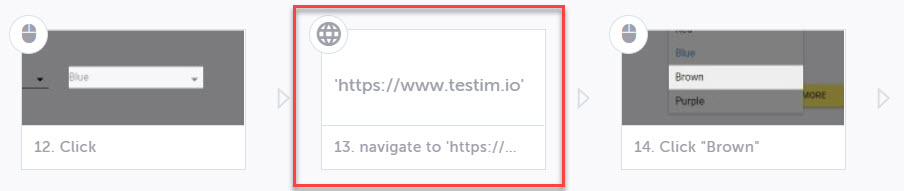
Navigation Step
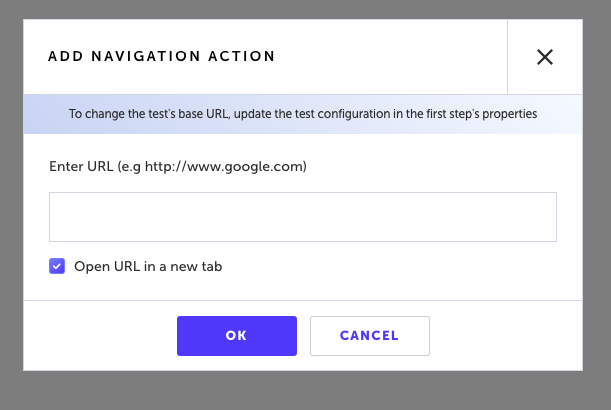
You can add a step to your test to navigate to another page. If you don't want the navigation to override the existing tab, it is possible to select the Open URL in a new tab option. → To add a navigation step to your test:
-
Navigate to Test List > Tests and open your test.
-
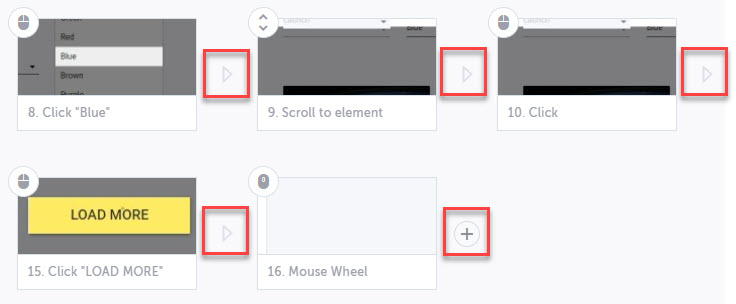
Hover the arrow in between existing steps or the + button after the last step.
-
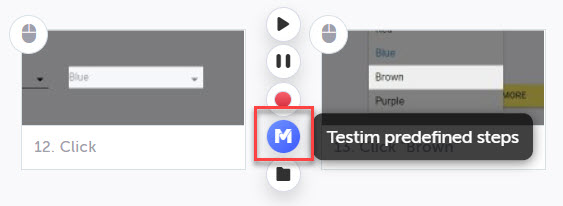
Select the Testim Predefined Steps button.
-
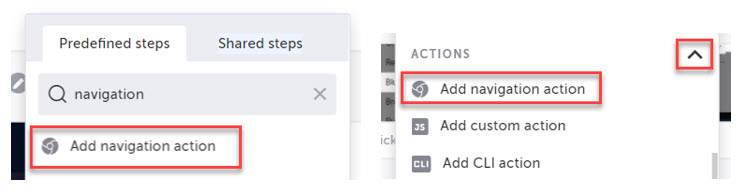
Search for Add Navigation Action in the quick search or expand the Actions section and select Add navigation action.
-
Insert the URL of the page you would like the test to navigate to at this step.
-
If you want the navigation to open a new tab, select the Open URL in a new tab checkbox.
The new navigation step is added to your test at the location you selected.