Auto Scroll
By default, Testim will automatically scroll to page elements in your test that are outside the viewport. This increases the stability of your tests and dramatically reduces scroll-related errors.
Disable Auto Scroll
→ To disable auto-scroll for a test step:
-
Navigate to Test List > Tests.
-
Open a test from the Test Library.
-
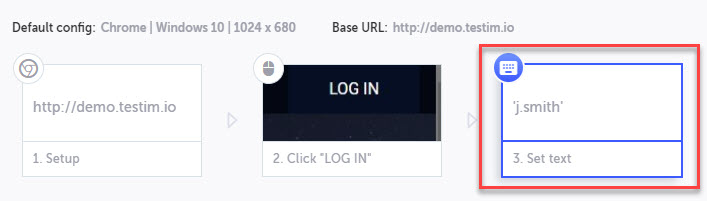
Click on the test step for which you want to disable auto-scrolling.
-
Click Show Step Properties in the action menu.
-
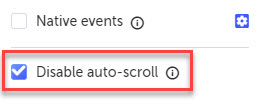
Select Disable auto-scroll.