Time Zone Configuration
Time zones can be configured at the user level. Each user can select a different time zone that matches the timezone to their location. Users will see time-relevant attributes of objects converted to the user's preferred time zone.
Configure your Time Zone
Follow these steps:
-
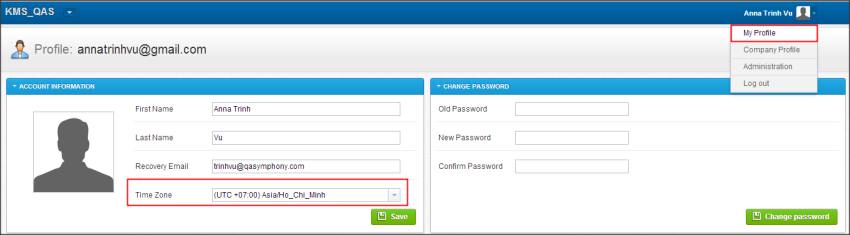
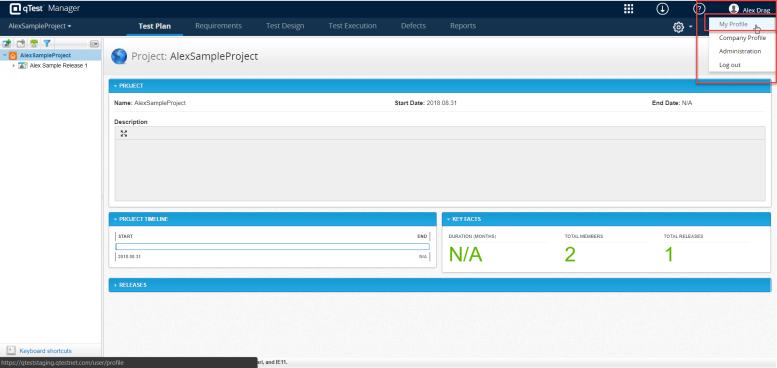
Hover over your username, and select My profile in the drop-down menu.
-
In the Account Information section, select your time zone from the list.
-
Select Save.