Trends view
The Trends view makes it possible to visualize and analyze the results of a selected number of tests.
After configuring the results to display, the Trends view allows you to analyze the Test Results sharing the same project and scenario.
To access it, click  in the left navigation panel.
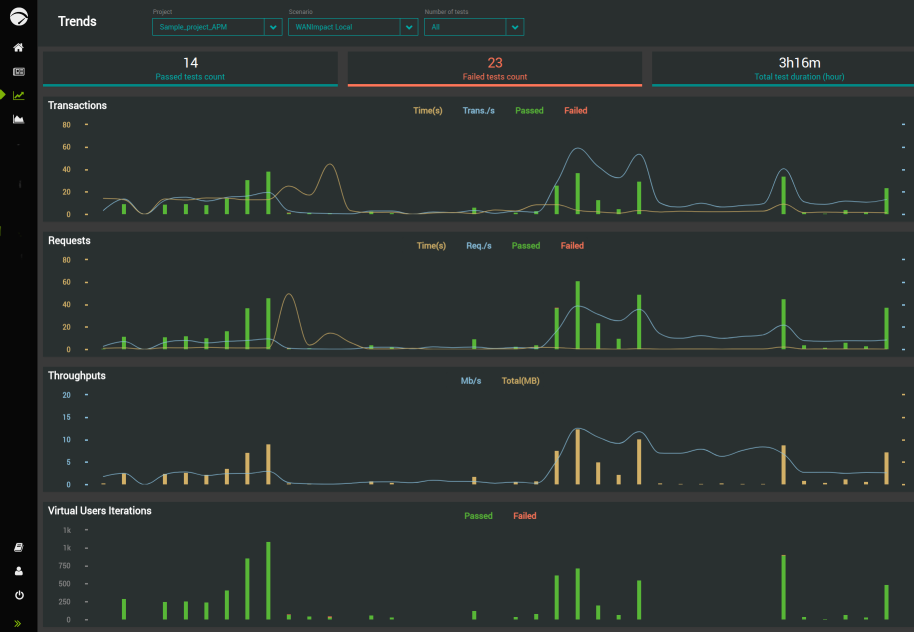
The Trends view makes it easier to analyze a given number of Test Results by grouping all the necessary metrics in the same page. The Trends view only displays finished Test Results. You cannot analyze running test trends.
The Trends view regroups four major metric groups that are:
-
Transactions
-
Requests
-
Throughputs
-
Virtual Users Iterations
Each metric group displays its related Test Results in a dedicated zone.
For more details about how to view and analyze Test Results trends, see Trends.