Settings view
To access the Settings view, click  in the left navigation panel.
The Settings view looks different according to your role and permissions.
Settings view for administrators
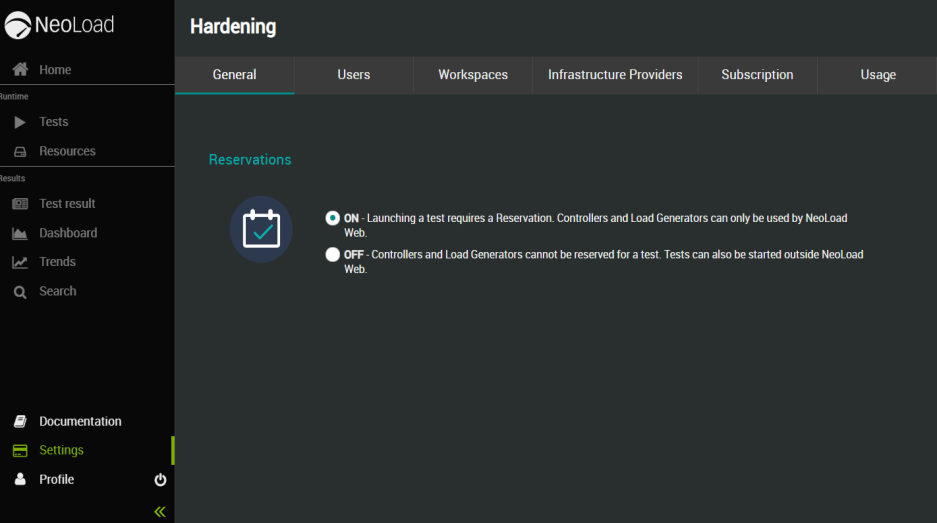
If you are an administrator, the Settings view allows you to:
-
Enable/disable the Reservation mode for NeoLoad Web. For more information, see General.
-
Manage users. For more information, see Users.
-
Manage Workspaces. For more information, see Workspaces.
-
Manage Infrastructure Providers. For more information, see Infrastructure Providers.
-
View the Account's subscription details and manage the NeoLoad Enterprise license. For more information, see Subscription.
-
View and download detailed license and test result data. For more information, see Usage.
Settings view for testers
If you are a tester, the Settings view allows you to:
-
View the other members of the Workspace(s) you belong to. For more information, see Workspace Members.
-
View the subscription details of the Workspace(s) you belong to. For more information, see Subscription.