Connect to the NeoLoad Cloud Platform
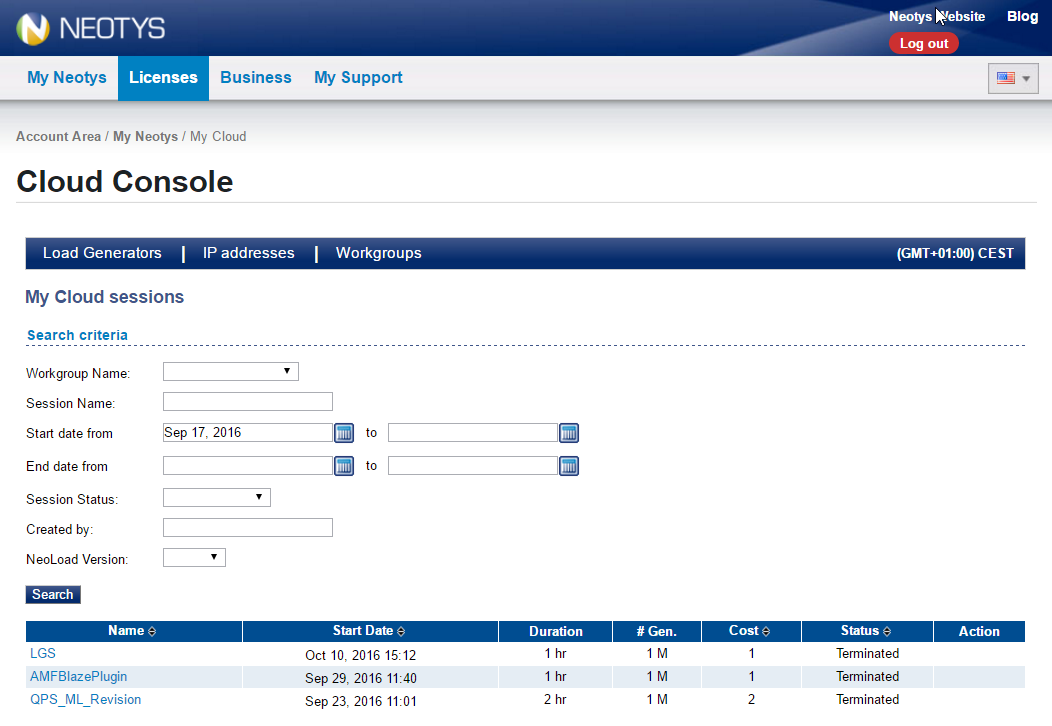
The NeoLoad Cloud Platform can be accessed from the Cloud Console of NeoLoad or from the Online Cloud Console.
If you need to:
-
Create and use an on-demand Cloud session.
-
Use an existing or reserved Cloud session.
-
Modify and terminate Cloud sessions.
-
Reboot and terminate Cloud Load Generators.
>> Access the NeoLoad Cloud Platform from the NeoLoad Cloud Console.
If you need to:
-
Reserve a Cloud session.
-
Modify and cancel a reserved Cloud session.
-
Modify and terminate Cloud sessions.
-
Reboot and terminate Cloud Load Generators.
-
Modify the Cloud Load Generators hosts file.
-
Reserve and release IP addresses.
>> Access the NeoLoad Cloud Platform from the Online Cloud Console.
The Online Cloud Console does not display information about whether a Load Generator supports an execution of tests designed with RealBrowser. You must check the compatibility in the NeoLoad Cloud Console before you perform the operation in the Online Cloud Console.
From the NeoLoad Cloud Console
If you want to use VUH, before connecting to the NeoLoad Cloud Platform, make sure the VUH option is enabled in the License panel of NeoLoad. For more information, see VUH and Manage licenses.
To access the NeoLoad Cloud Platform from the NeoLoad Cloud Console, follow these steps:
-
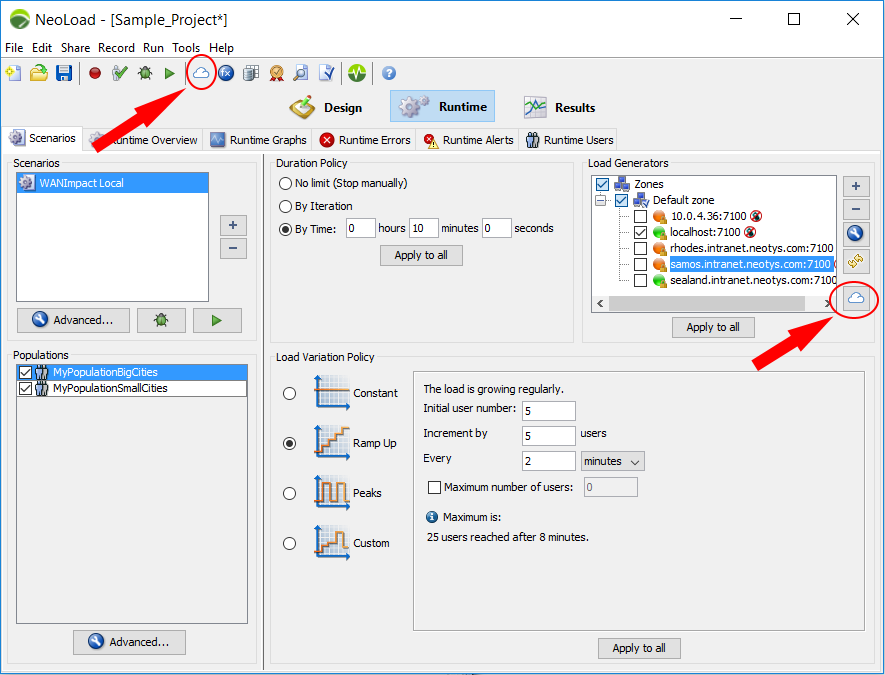
You can open the Cloud Console from different locations of the NeoLoad Controller:
-
With the Open Cloud Console toolbar icon (shown in screenshot below).
-
With the Tools > Cloud Console menu command.
-
From the Runtime section, with a click on the Open Cloud Console icon in the Scenarios tab (shown in screenshot below).
-
From the Runtime section, with a click on Add a Load Generator > Open Cloud Console in the Scenarios tab.
-
-
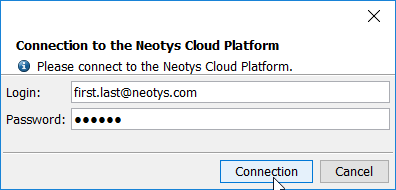
Since Cloud sessions use pre-paid Cloud credits or VUHs, you then need to authenticate yourself. The Login and Password field must be filled in with your Tricentis NeoLoad Customer credentials. For more information, see Before you begin testing from the Cloud.
-
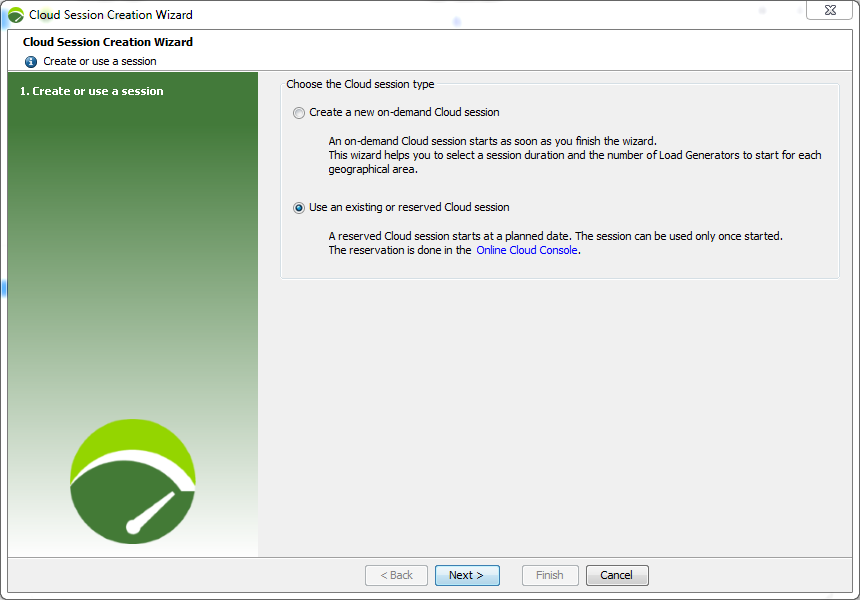
In the Cloud Console, click the + icon to add a Cloud session.
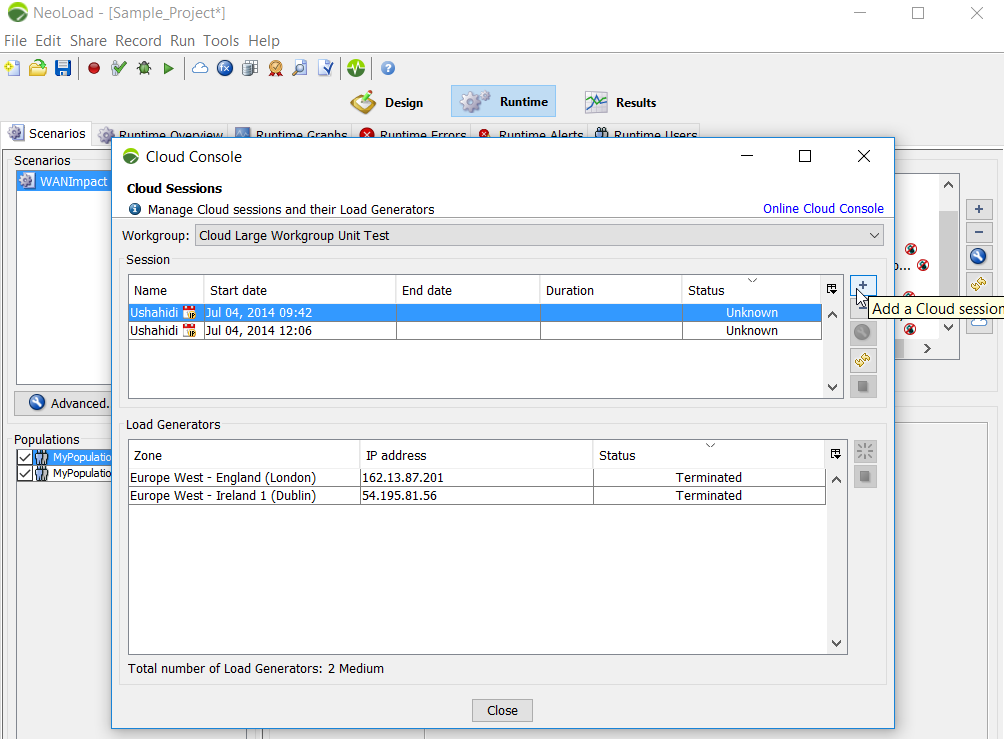
The Cloud Session Creation wizard opens.
From the Online Cloud Console
To access the NeoLoad Cloud Platform from the online Cloud Console, follow these steps:
-
Log in to the Online Cloud Console.
-
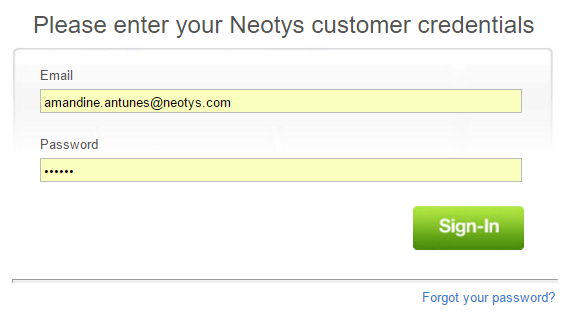
Since Cloud sessions use pre-paid Cloud credits or VUHs, you then need to authenticate yourself.
The Cloud console is displayed.