REST/JSON
Connection settings
To use this monitor, the requested server must decode REST requests and return responses in JSON format.
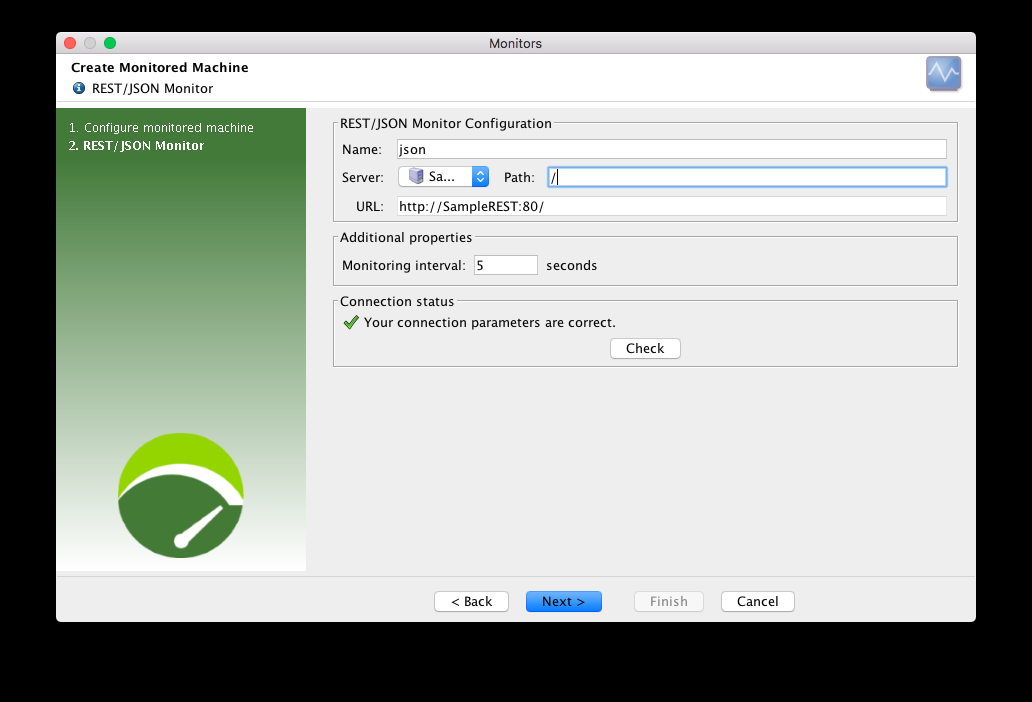
You need to define a server (in the Servers section of the User Paths) and a path. You can create a server in the Servers section, or use a server already created during a recording.
Monitors defined in projects created in NeoLoad 6.1 will lose their connection settings when migrating to NeoLoad 6.2. As a consequence, make sure to configure the Monitor connection settings again with NeoLoad 6.2 before starting a test.
Create a REST/JSON monitor
NeoLoad makes it possible to create a new monitor either using the monitored machine creation wizard, as described in Configure a monitored machine, or from an existing monitored machine, as described in Create and configure a monitor.
Available counters
Counters and categories are discovered automatically and depend on the server content.
As of version 6.1, unit values are not displayed and indicators are not supported.
Advanced settings are available for every counter.
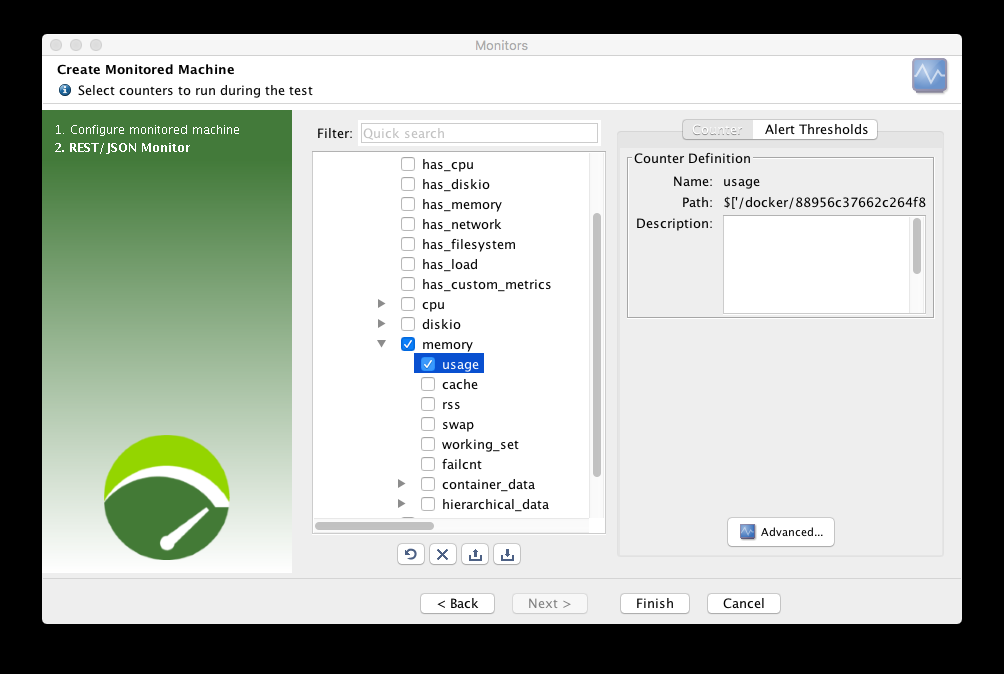
For more information, see Create and configure a counter or an indicator.