End User Experience
Executable Test Script
The Executable Test Script Advanced action enables you to launch an executable test script on the machine executing the User Path.
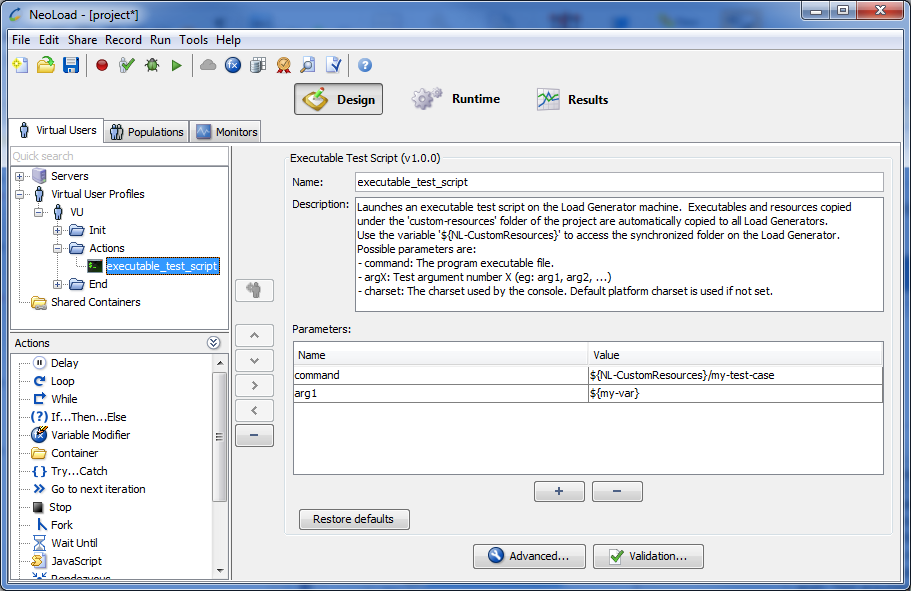
Parameters
-
command: The program executable file.
For example:
${NL-CustomResources}\my-test-case -
argX (optional): Test argument number X
-
charset (optional): The charset used by the console. Default platform charset is used if not set.
Java Test Script
The Java Test Script Advanced action enables you to launch a Java test script on the machine executing the User Path.
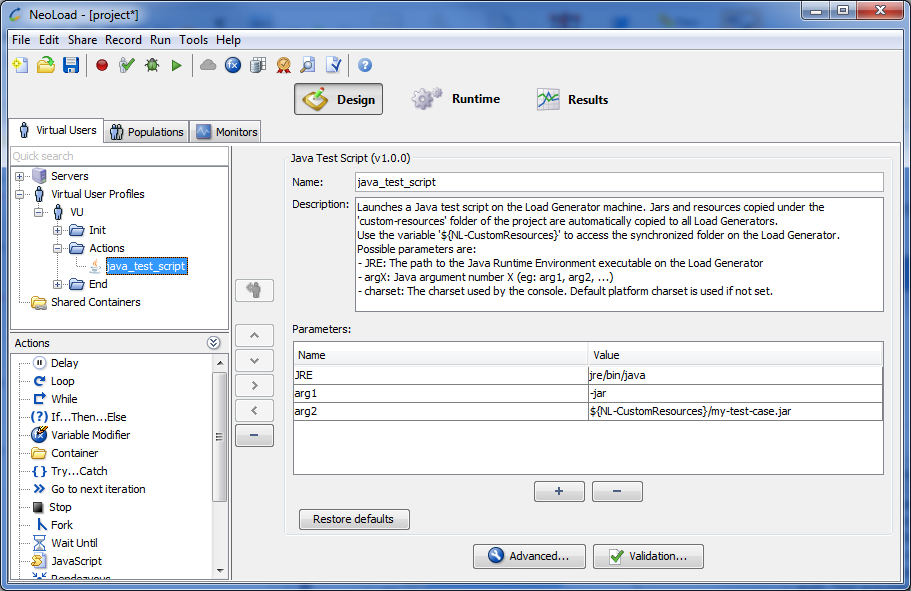
Parameters
-
JRE: The path to the Java Runtime Environment executable on the Load Generator.
-
argX: Java argument number X
-
charset (optional): The charset used by the console. Default platform charset is used if not set.
The default JRE used by the Java Test Script Advanced action is the JRE of NeoLoad. If you are using NeoLoad 64-bit and if a 32-bit JRE is required for the libraries of the third-party tool you are using (such as Jamo), make sure to install a 32-bit JRE on the machine and update the JRE parameter to point to the correct JRE.
Example
An example of executing a Java test case:
-
JRE:
jre\bin\java -
arg1:
-jar -
arg2:
${NL-CustomResources}\my-test-case.jar