Apply a security profile
Bulk application allows applying request and response security profiles globally to a large number of SOAP requests.
The Web Services Security panel can be accessed through Edit > Preferences > Project settings > Web Services Security.
The Bulk change button opens up the wizard. The process is composed of the following steps:
-
Select the request and response security profiles.
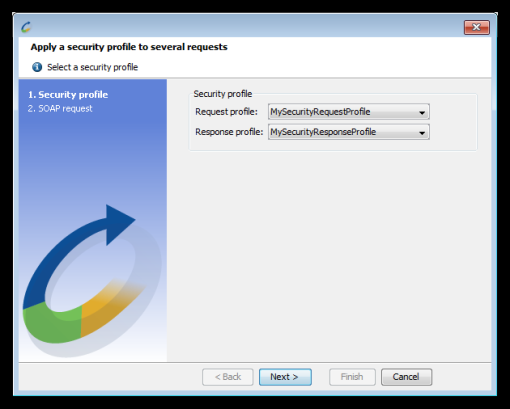
-
Select the SOAP requests to which the security profile shall apply.

The security profiles are then applied to the selected SOAP requests and responses.