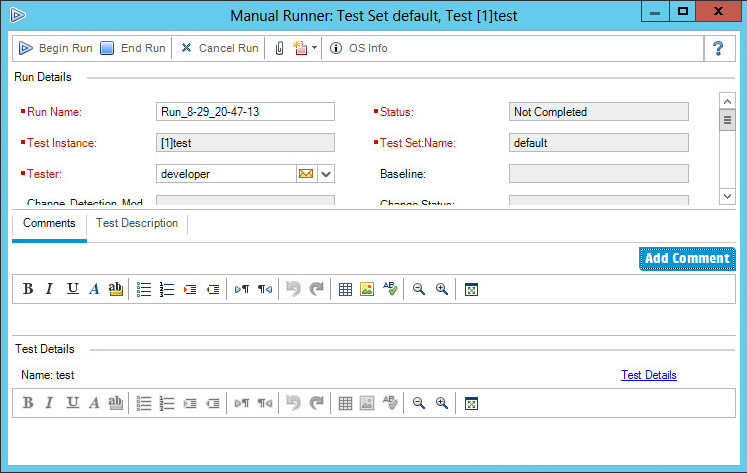
Report NeoLoad scenario test execution result
The tester can report the result of a NeoLoad scenario that has been executed.
To report NeoLoad scenario execution result, follow these steps:
-
In Test Lab module > Test Sets, select a test set and click the Execution Grid tab or Execution Flow tab. Select the tests, click the arrow next to the Run button, and select Run with Manual Runner.
-
Open the project specified in the test step in NeoLoad and run the scenario.
-
Assign a pass or fail status to the step. In case of a test failure, specify the expected and actual result.
-
To attach the NeoLoad test results and/or reports to the test run, click the arrow next to the Attach button, and select Attach To Run.