Look for dynamic parameters in NeoLoad
You can search for dynamic parameters either after a recording (in the Post-Recording wizard) or for each Virtual User.
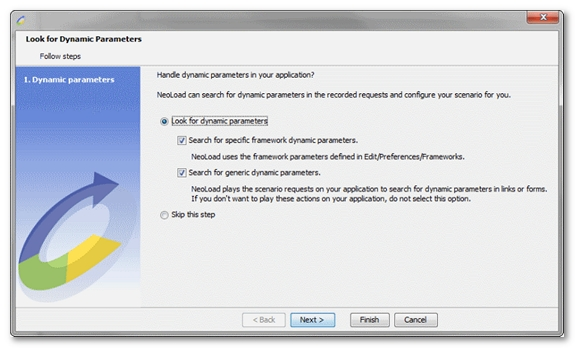
To start a dynamic parameter search on a Virtual User, follow these steps:
-
In the Design section, select the Virtual Users tab.
-
Select a Virtual User in the Virtual User profiles tree.
-
Click the Look for dynamic parameters button.
-
The Look for dynamic parameters dialog appears and enables you to perform:
-
Framework dynamic parameter search
-
Generic dynamic parameter search
-
Follow the Handle an application dynamic parameter tutorial to practice this with a real example.