Update graph boards
The sensitive-context menu of a graph board includes an Update feature.
This feature is used to update each graph present in the graph board, through the substitution of data coming from a test result by another test result.
Case 1 : All graphs come from data of the same test result
On the graph board, all graphs include data coming from the "Data Scenario 2" test result.
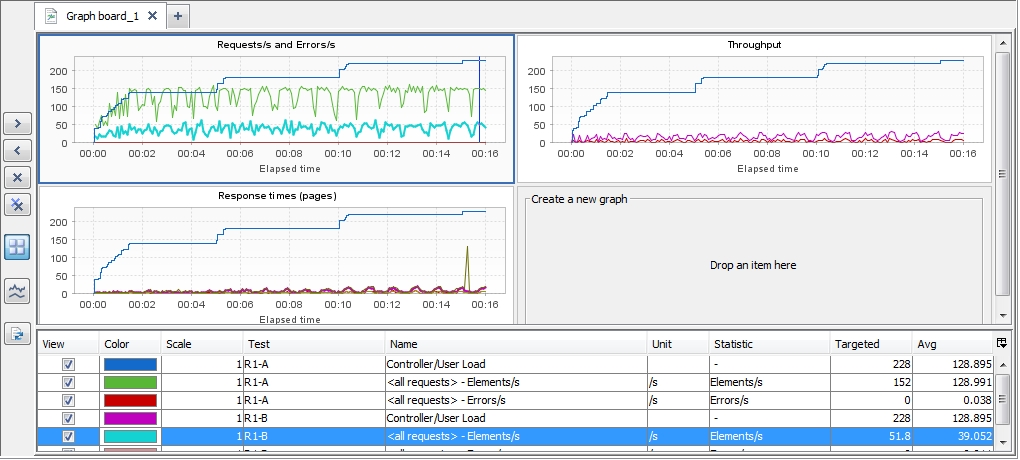
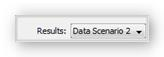
Select the test result source.
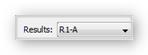
Select Update on the context-sensitive menu of the graph board.
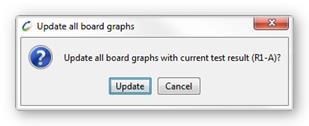
Accept the update
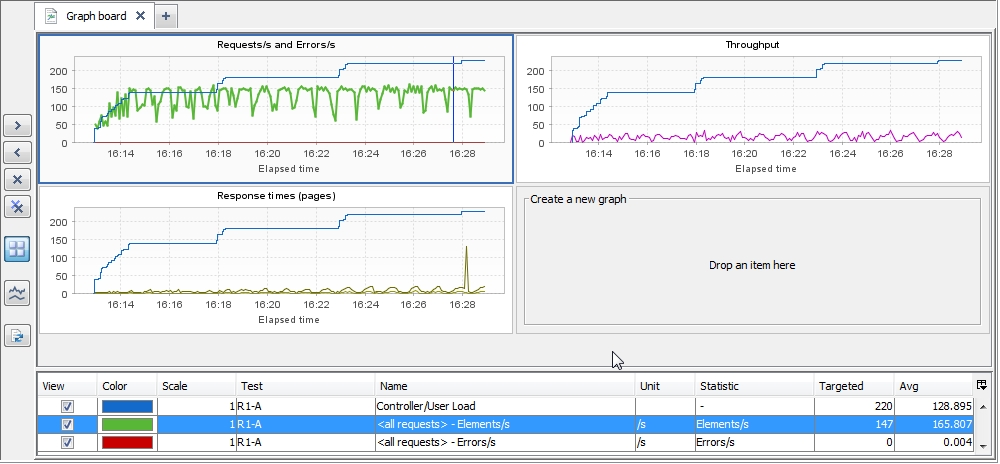
On the graph board, all graphs include data coming from the "R1-A" test result.
Case 2 : The graphs have different sources of test results
On the graph board, all graphs include data coming from the "R1-A" and "R1-B" test result
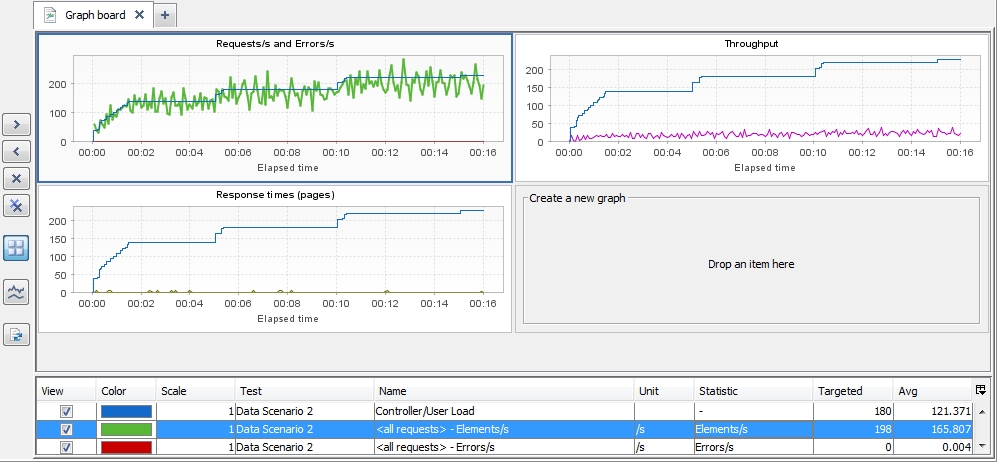
Select the test result source.
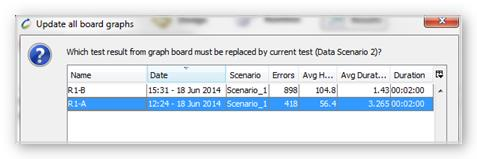
Select which test result must be replaced.
Accept the update
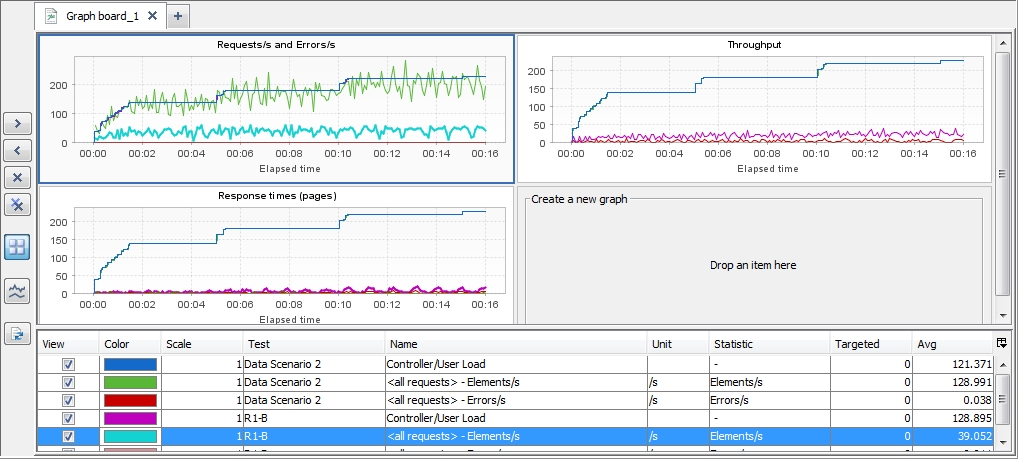
On the graph board, all graphs include data coming from the "Data Scenario 2" and "R1-B" test result. The data of "R2-A" test result have been replaced by data of "Data Scenario 2" test result.