Step 2 (To-Be) - Download the data extract program
LiveCompare uses a data extract program that runs in SAP to extract SAP HANA migration assessment data from your To-Be SAP system. To download the data extract program from the apps user interface, follow these steps:
-
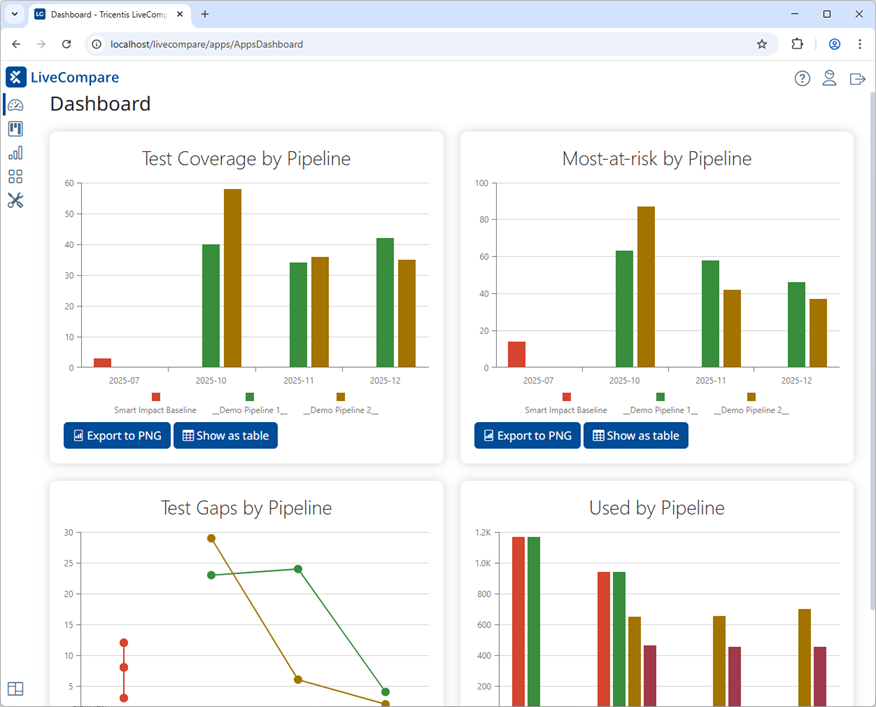
Sign in to LiveCompare as a user with LiveCompare Editor or Consumer permissions. The following screen is displayed.
-
Select
 in the navigation panel, then select the LUX panel.
-
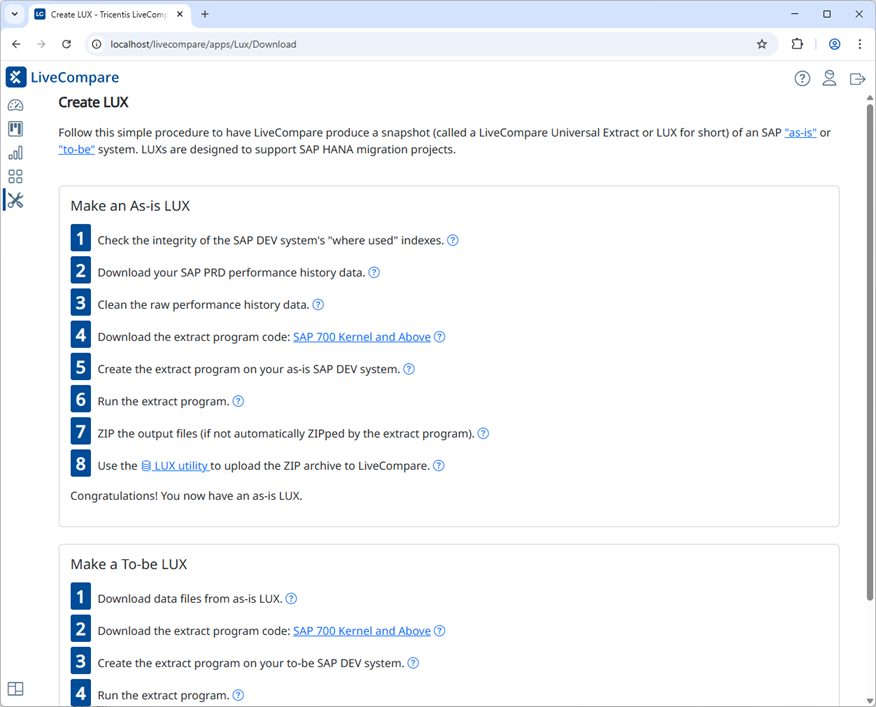
Select Create LUX in the LUX screen. The following screen is displayed.
-
In Step 2 of the Make a To-be LUX section, right click the SAP 700 Kernel and Above link, and choose Save link as… from the context menu.
- Save the file on a machine where SAPGUI is installed.