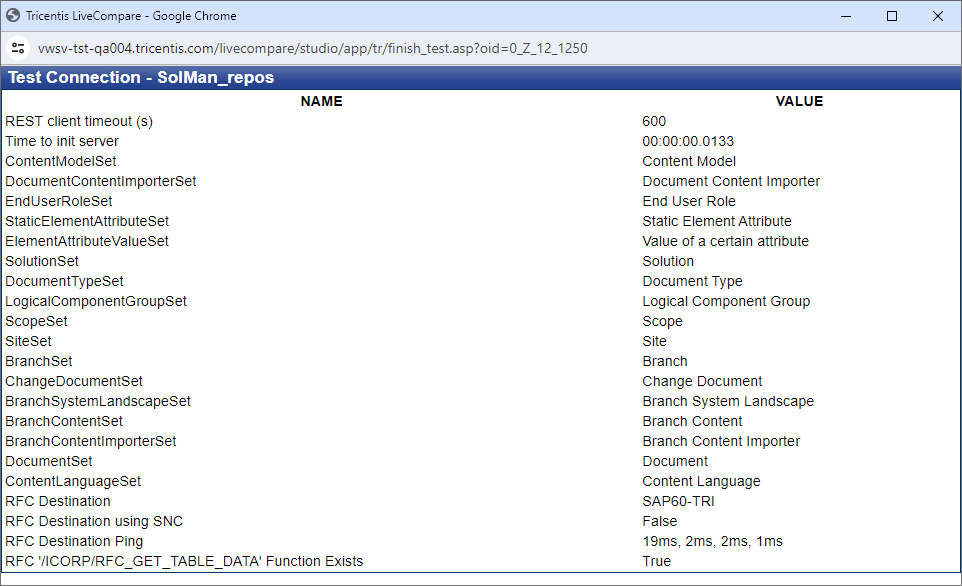
Test Test Repository connections
A Test Repository in the Administration hierarchy may be tested to determine whether it will work as expected when used in LiveCompare workflows. The tests check whether:
- A connection can be created using the Test Repository’s URL.
- The specified Test Repository project can be accessed using the supplied username and password or personal access token.
- The RFC Destination associated with an SAP Solution Manager Test Repository can be connected to using its supplied credentials.
To test a Test Repository, select it in the Administration/Test Repositories folder and click ‘Test Connection’ in the Details pane. Alternatively, choose ‘Test Connection’ from the Test Repository’s hierarchy context menu. The Test Connection screen for the appropriate Test Repository is displayed.
Tosca
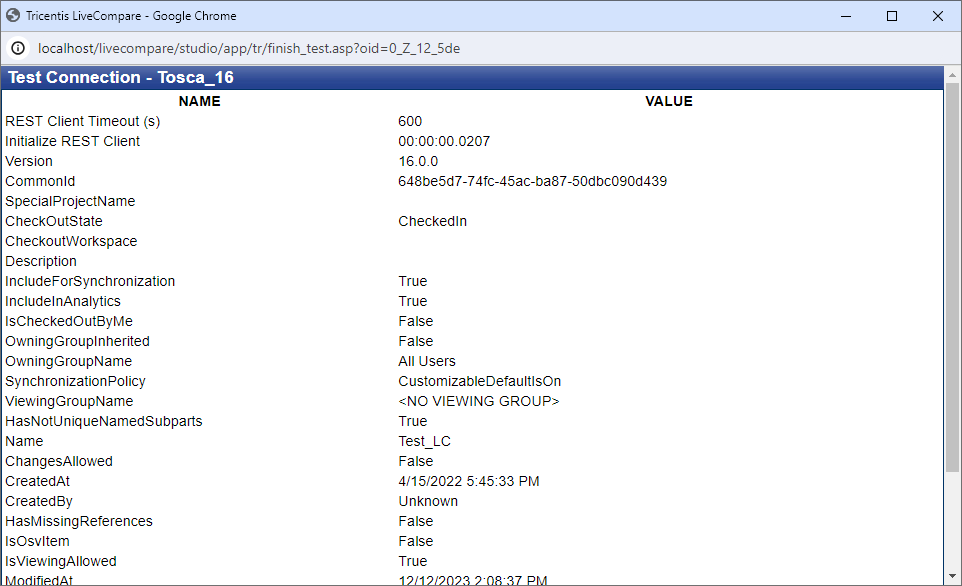
This screen shows the number of modules, test cases and test step libraries in the Tosca workspace that are not synchronized with the common repository. Unsynchronized modules and test cases will not appear in the Search Test Repository action’s search results.
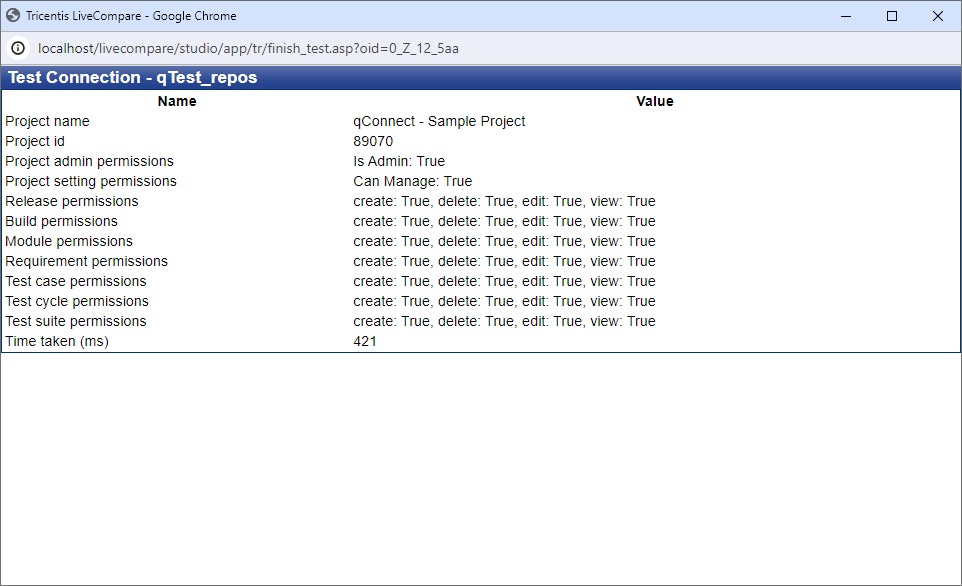
qTest
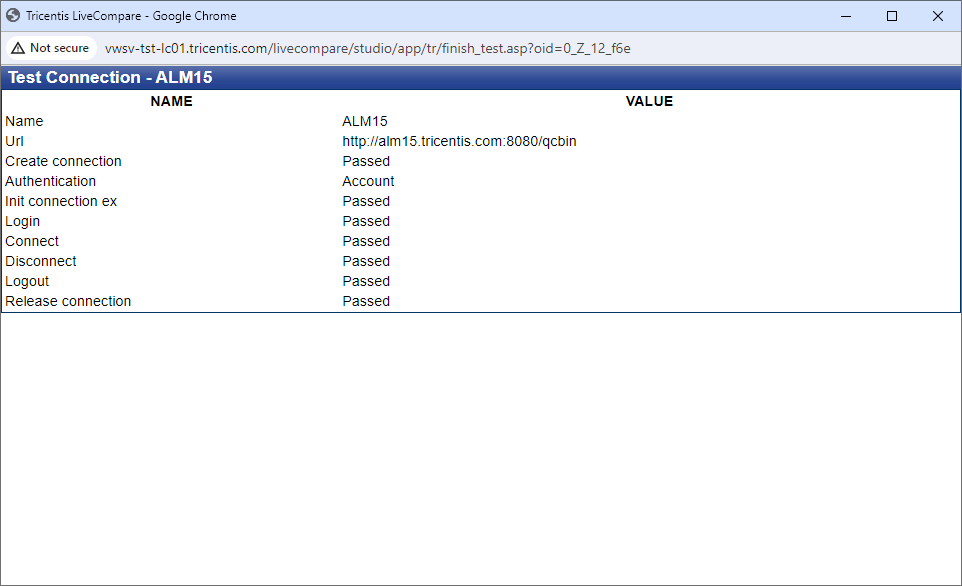
ALM
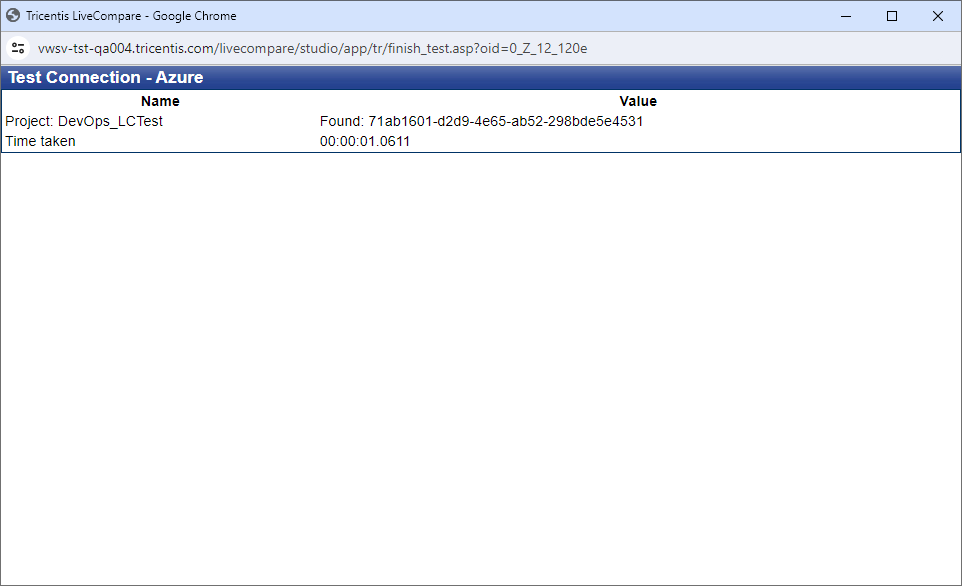
Azure DevOps
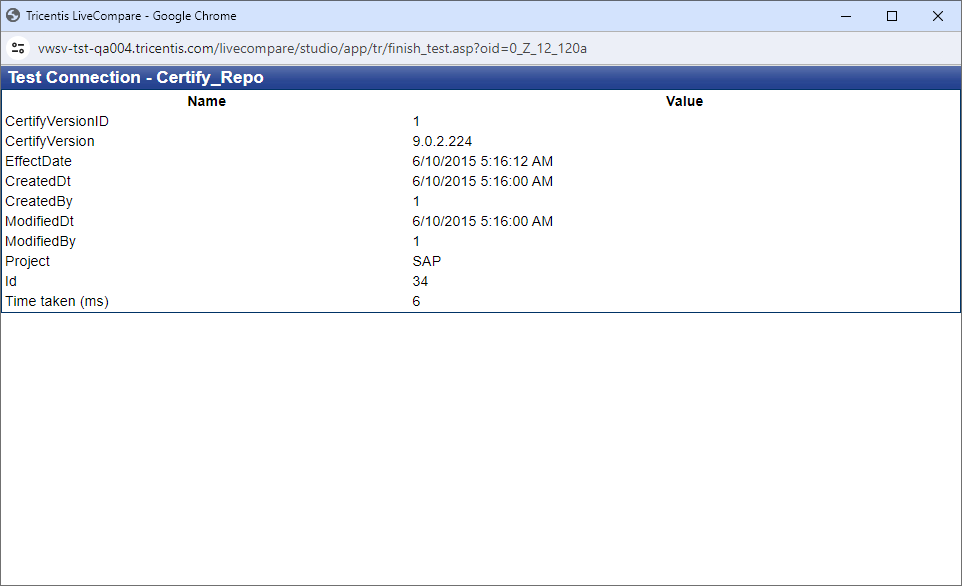
Certify
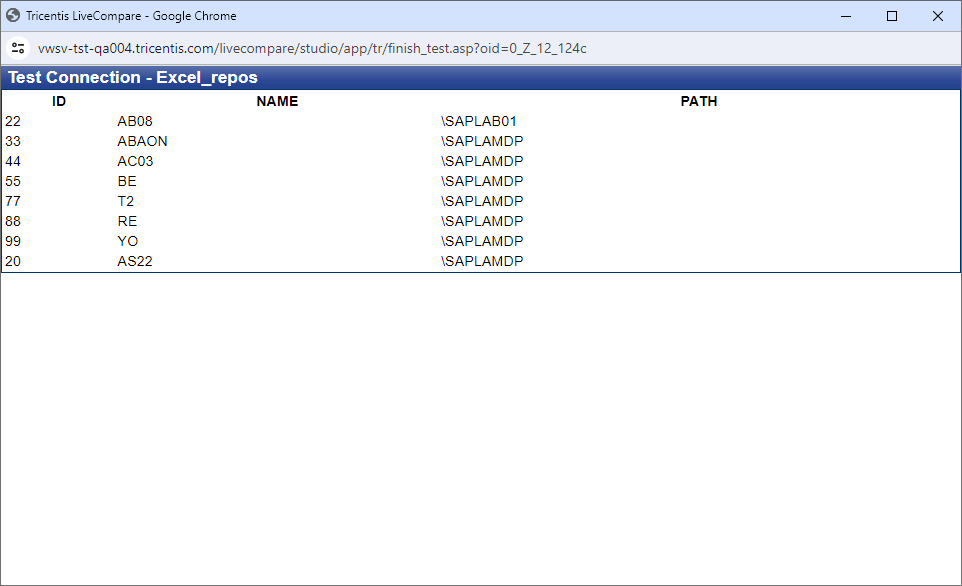
Excel
SAP Solution Manager