Get Activation IDs from the Support Hub
If you want to activate licenses, you first need to get their Activation ID from the Tricentis Support Hub. To do so, follow the steps below:
-
Open the Tricentis Support Hub and navigate to Admin Space->License Management.
-
Select License Entitlements and search for your entitlement in the Keyword Search.
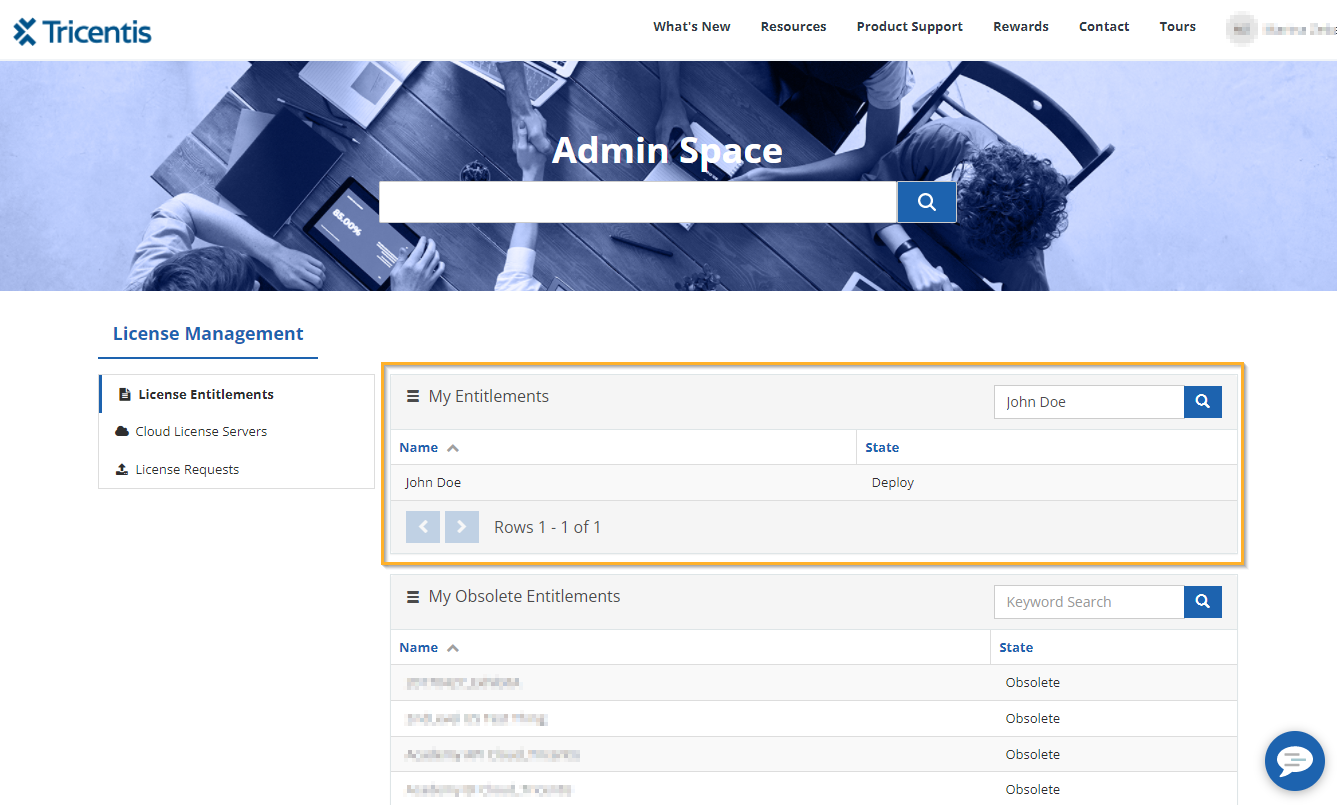
Click to enlarge. License Entitlements in the Support Hub.
-
Click on Deploy. This redirects you to the License Overview page.
-
Click on Copy Activation ID to copy the Activation ID to your clipboard.
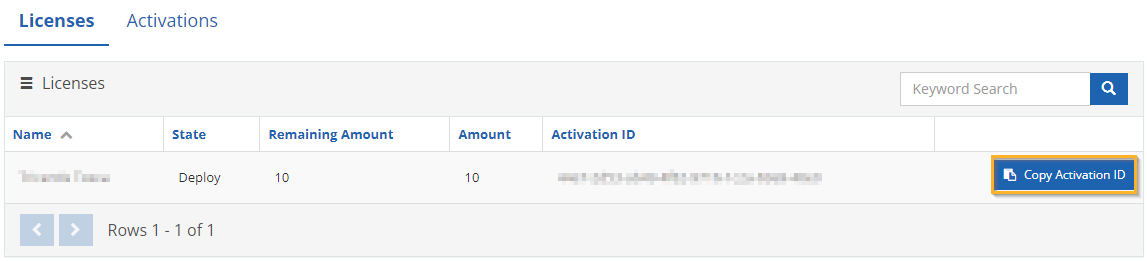
Click to enlarge. Copy the Activation ID to the clipboard.
-
Now you can activate your licenses on the license server:
-
Activate your licenses on an online license server
-
Activate your licenses on an offline license server
-